Custom Coding with the JSON API
If you need to add some custom code to your App for very special requirements, there are 2 events triggered by the Json API that can be useful.
In order to respond to these events, you can select the events tab of the Widget properties panel,, and then access to the events onJSONdataLoadSuccess and onJSONdataLoadError:
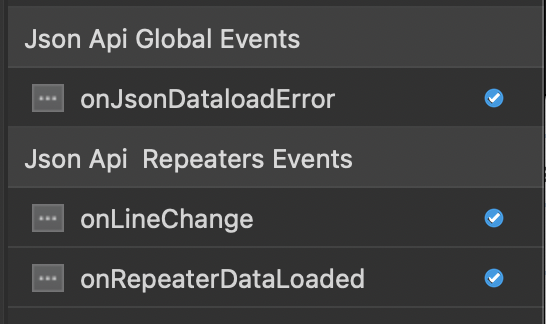
By Selecting an event Handler, the event code will be automatically added to the custom.js file:
onRepeaterDataLoaded Event
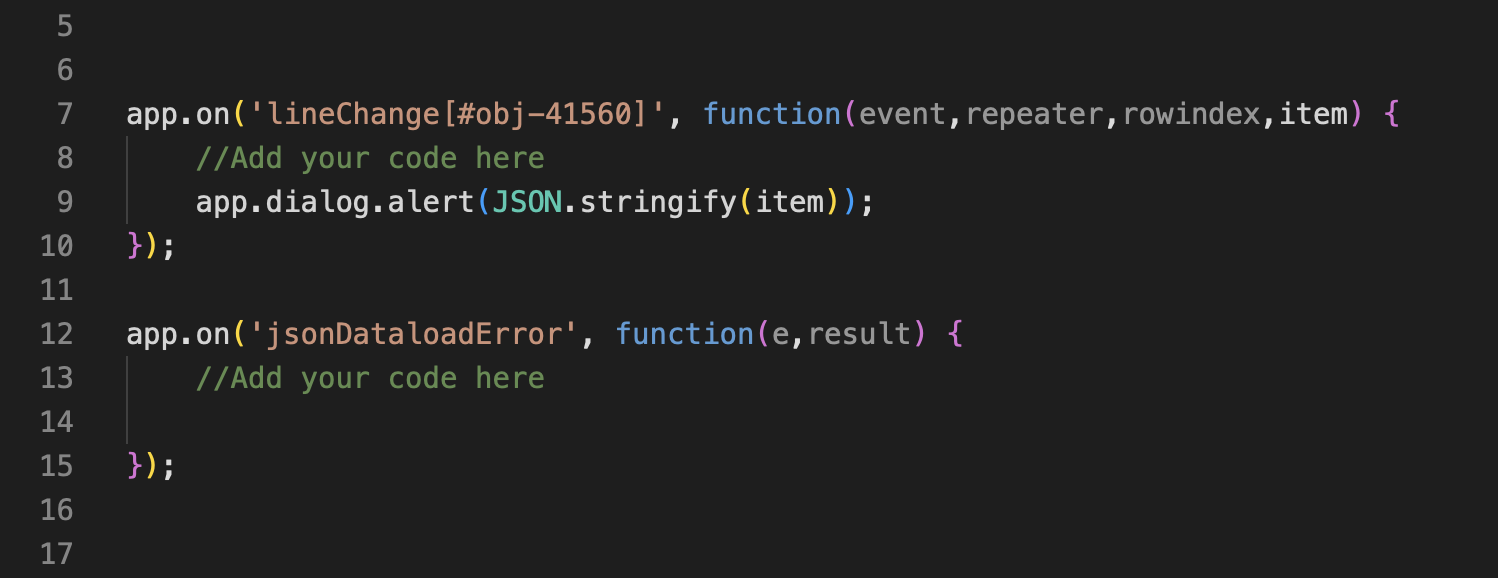
Example of code
This event handler implements 2 parameters:
repeater: a DOM reference to the Repeater in the current context
Items: a js object with the loaded data
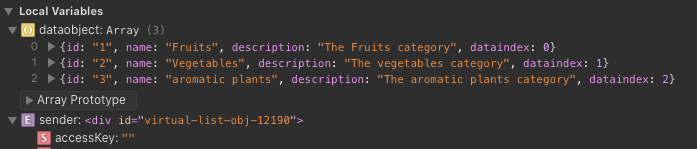
Example in the Safari Debugger
onLineChange Event

This event handler implements 4 parameters:
event: the current event
repeater: a DOM reference to the Repeater in the current context
rowindex: index of the selected line (starts with 0)
item: the current record as a JS object
CUSTOM OPTIONS & HEADERS
The Json API Repeaters & Displayers are using the fetch API ( https://developer.mozilla.org/en-US/docs/Web/API/Fetch_API )