dbExpress MySQL
NEWThe version 4 now includes the possibility to convert dbExpress Database (SQLite) to MySQL.
When you work on a dbExpress Project, the database used is SQLite, but when you run the project, you can convert the DB to Mysql (Structure and data).
NOTE
In order to work with MySQL, you need to use a Local Web Server (with PHP/Mysql), you can for example use MAMP for the Mac (https://www.mamp.info/en/mac/)
You also need to change the TB Preferences "Use Custom Web Server"
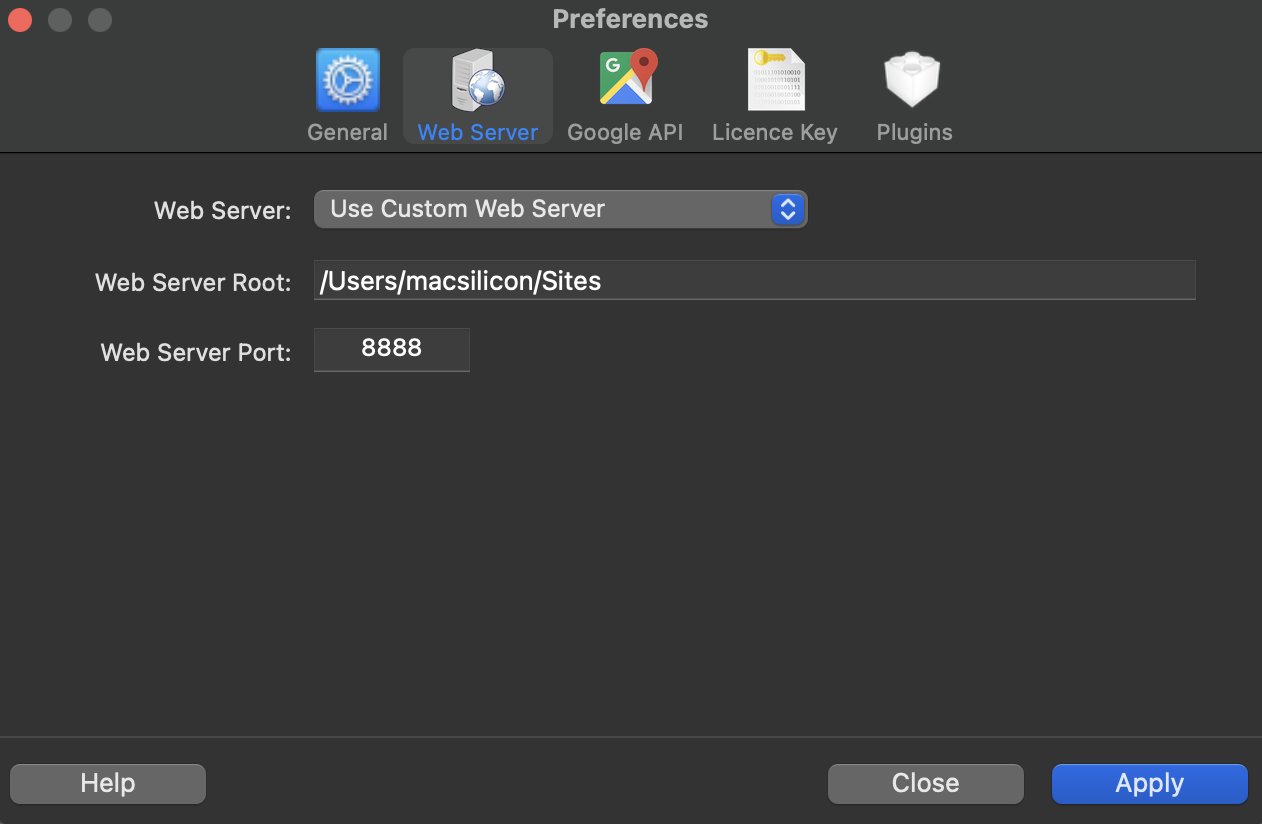
Example of Configuration for MAMP Web Server
By default, dbExpress projects are using SQLite, you can activate MySQL by enabling the MySQL Plugin from the App Settings->Plugins->MySQL Plugin
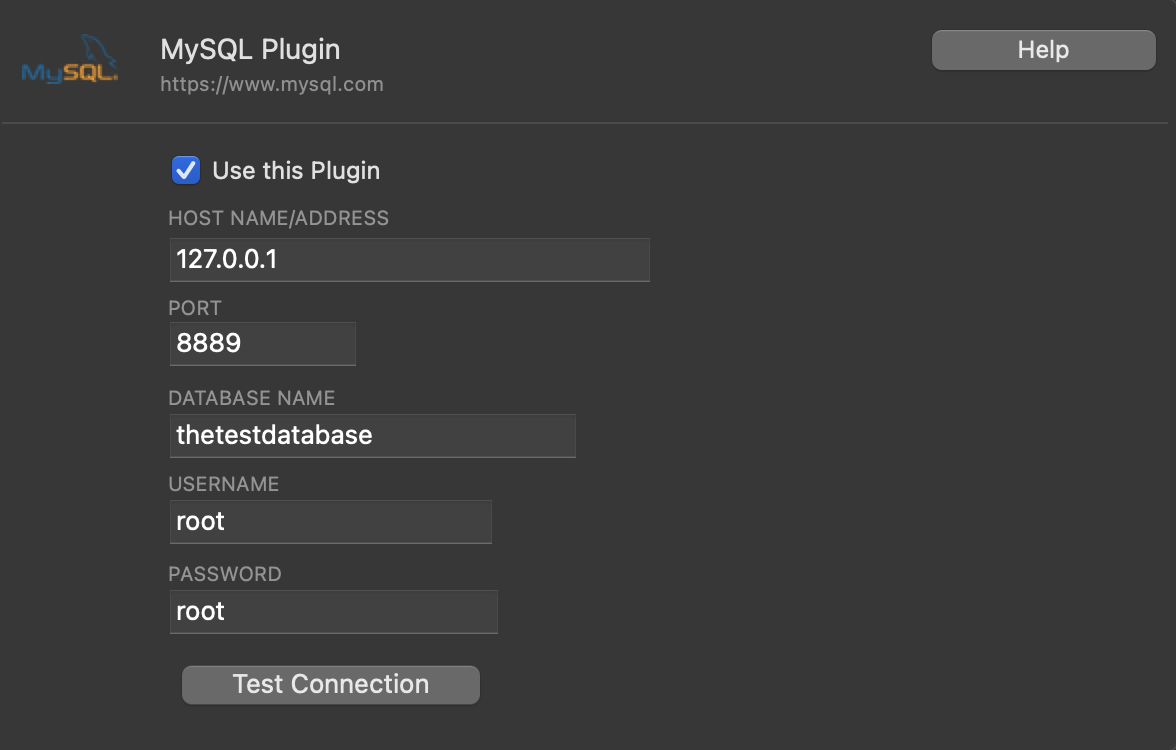
Example of Configuration for the MySQL Plugin
NOTE
If you are using a local MAMP Web Server, then use 127.0.0.1 as server address on port 8889
When you are using the MySQL Plugin, then every time you run the project, then a dialog Box will ask you if you want to run the project by using SQLite or MySQL. You will also have access to a "MySQL Migration Wizard" that will let you automatically transfer the structure & data of your SQLite DB to MySQL.
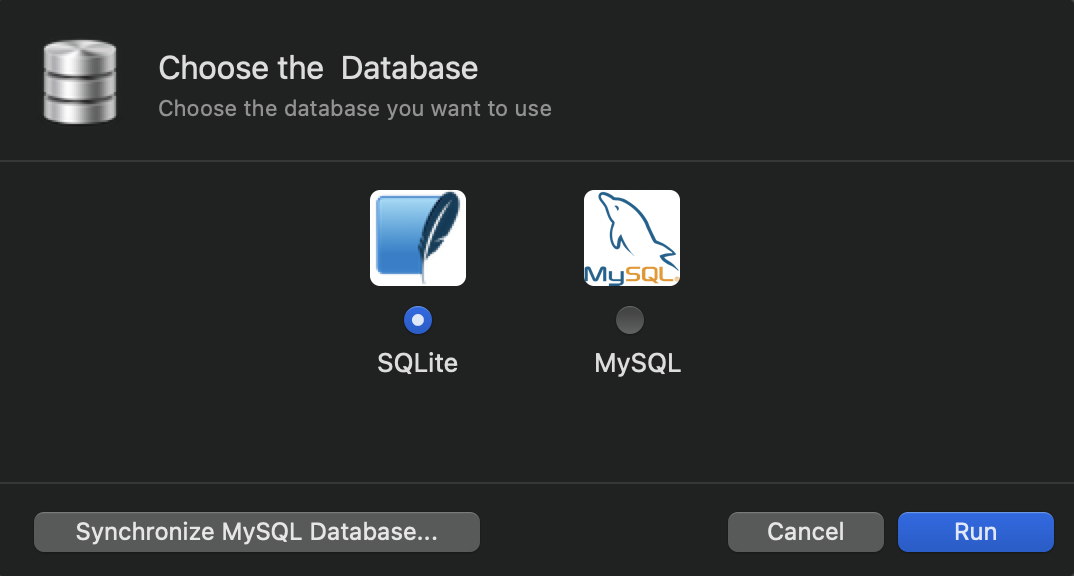
Database Selection when running a dbExpress App
NOTE
When you are ready to deploy your Database on a remote Server, then you just have to copy the "db" folder of your project to the server, and export a DUMP of your local DB and import it in the remote DB.
NOTE FOR NATIVE APPS
Native Apps will need to know where the Database is located, you just have to change the App setting "Server URL" from the App Settings->Advanced->Server URL to the correct URL before building the Native App.
The Native App Generation Process will let you Edit those settings if necessary.