dbExpress User Forms
The Form Builder allows you to create Forms for inserting or modifying Database Records.
Important
For Form fields documentation, Read the User Forms Documentation
dbExpress Form Workflow
depending on the context, the form can behave in 3 different ways:
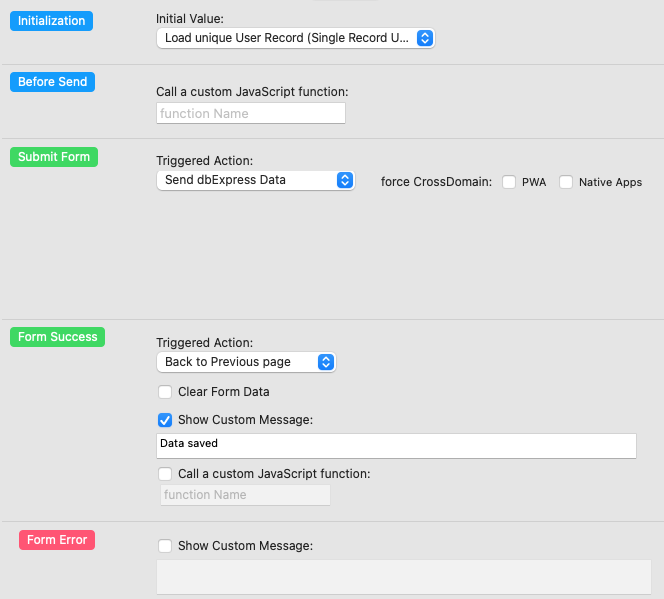
dbExpress Form Initialization
Empty Form (New Record)
The Form will always insert a new record in the selected table/service
Load Data from Repeater (update or view mode)
Use this setting when the Form is placed inside a page that is called from a Repeater from another page (master-detail).
The form will automatically load the data from the selected Repeater line, and will let you modify the data.
If the Form is read-only, then it is a wqy to display data (Like a displayer)Load Unique User Record (Single Record Update)
V3.5With this setting, the Form will try to load a unique record from a table/service belonging to the current user. If the record doesn't exist, then it will be automatically created.
It creates a 1 to 1 relation ship between the user and the selected table.
It is usefull for example if you want to create a table of user preferences.Important
The "Load Unique User Record" setting works only for authentified users, for an anonymous session, the Form will be automatically disabled.