Thorium Builder 3.0 Release Notes
RELEASE DATE: JULY 2021
Thorium Builder 3.0 is a major update with many new features (this is a free update).
Universal Binary
More than 100 Screen Dialogs redesigned and Optimized
The version 3 uses the full potential of the new M1 processor and is available as a universal application (which runs natively on Intel and Apple Silicon processors)
TB 3.0 uses the latest MacOS SDK (WKWebView …), both on Intel and Apple Silicon Computers.
All the Properties Screen Dialogs are no longer displayed as "Sheet Window", they are now displayed as “Modal Dialogs" and have been redesigned to use the less space possible on Screen
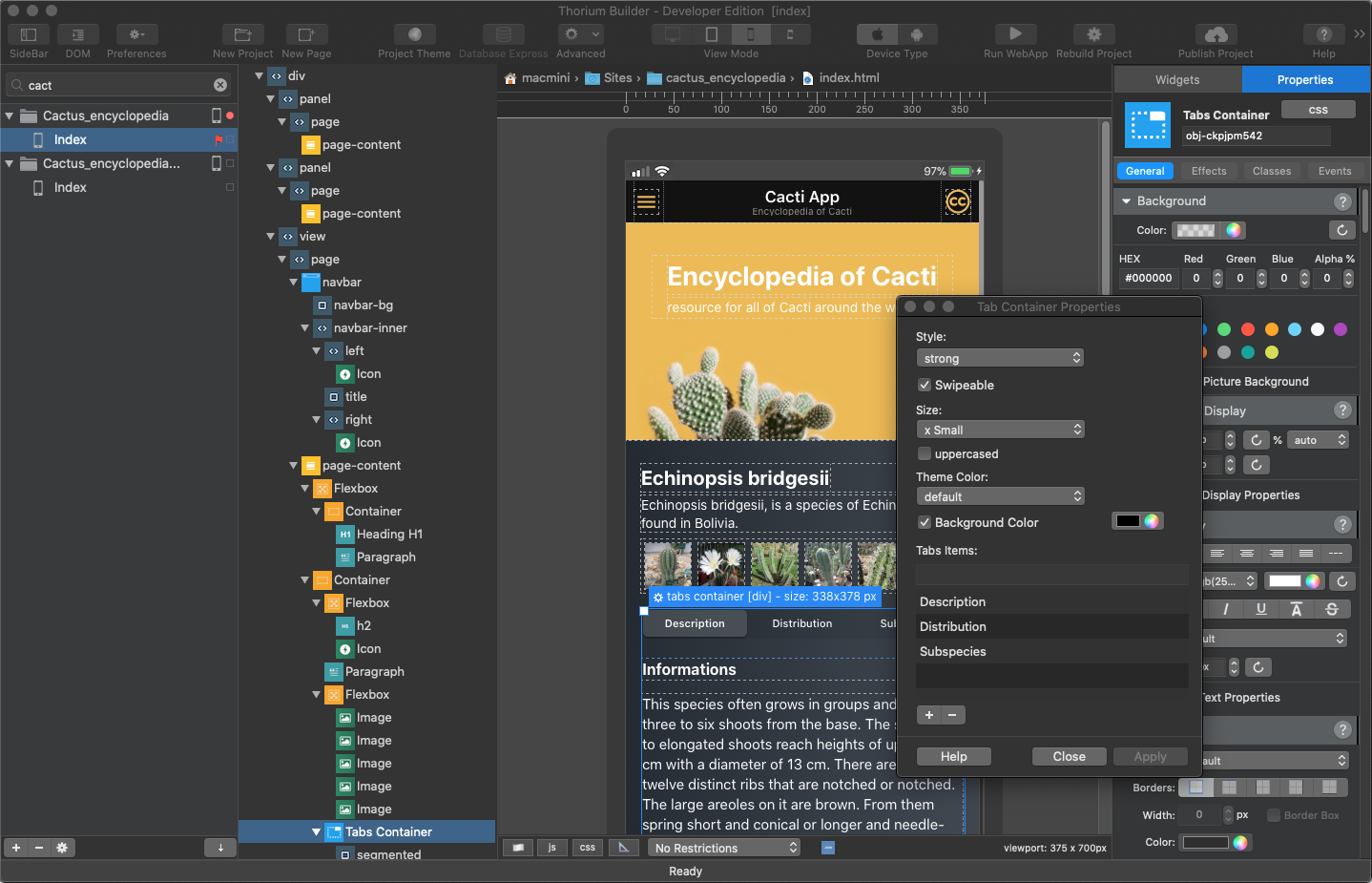
Example of New Property Dialog
Framework7
Framework7 updated to version 6 (Read the release notes: https://blog.framework7.io/framework7-v6-d5b843abe8e7 )
Important Note to Developers: if you have some custom code using iterations, note that there was a breaking change with Framework7 v6, the iteration synthax has changed so you may have to fix your code ( $('p').each((index, el) => { ... }) must now be written as $('p').each((el, index) => {...}) )
General
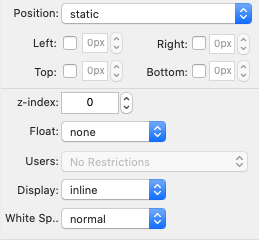
New Widget Property for “Float” attribute
New Widget Property for “Display” attribute
New Widget Property for “white-space” attribute
Object ID are now generated from an internal project counter (eg.obj-12345)
Translations Module optimised and enhanced.
Button with external Link now include the target attribute (_blank, _self…)
Container Link: New widget that lets you add a Link to a group of widgets
Project Publication: the FTP Export has been removed and replaced by a call to Filezilla with parameters.
Project Publication: New BASH script option: you can create your own Bash (Unix Shell) script.
Live Reload Custom.CSS => Changes done to custom.css are now visible within the editor.
Bug Fix: existing translations are removed when duplicating a widget
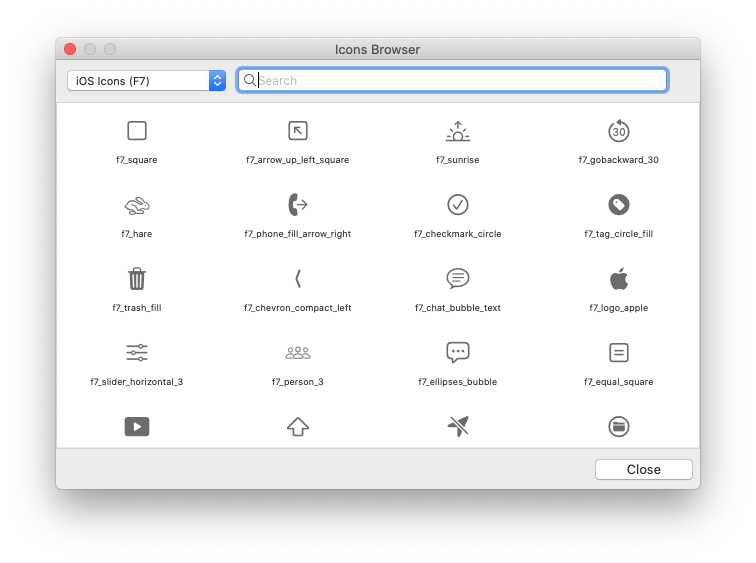
Icon Selector redesigned (4 columns):
New Quick Access Bar on bottom of Editor:
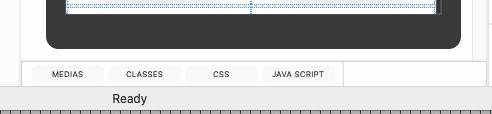
New Position Indicator in Editor
New Display mode in Editor for Landscape Tablets
Editor: element that accept drop inside are highlighted when mouse enter its area
New Capture Widget: A new with-get lets you handle capture Movies, Pictures and Audio from the mobile Camera.
Class Editor bug fixes & optimisations.
Various Bug fixes & enhancements...
Web Sites Editor (Bootstrap)
Note
As Bootstrap 5 was released in its final version only a few weeks ago, the migration to Bootstrap 5 is postponed to a V3.X TB version
Bloc Templates: It is now possible to choose pre-defined blocks
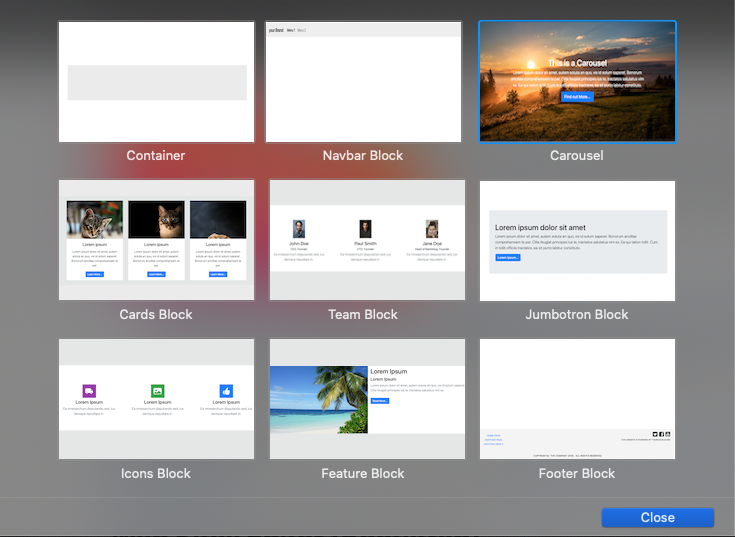
Carousel Inner Block is now a flex-box (possibility to align content as you want, top , bottom …)
Bootstrap Form can now cal a remote API/Script
Collections now include an Horizontal View Mode
Video Embedded in Carousel now muted by default
Media List enhancement: search tag and link to Photo Zoom
Code Editor
Developer EditionThe Code Editor has been completely rewritten and now includes Auto-Complete, enhanced Code colorisation, Code Snippets, and drag&drop code references for Framework7, JavaScript and the all new Thorium API.
Auto Complete
Code Colorization
Code Auto Indentation
Code Snippets
Search & Replace
Code Folding
Auto-Complete has been implemented for Vanilla JS, Framework7 and for the all new Thorium API.
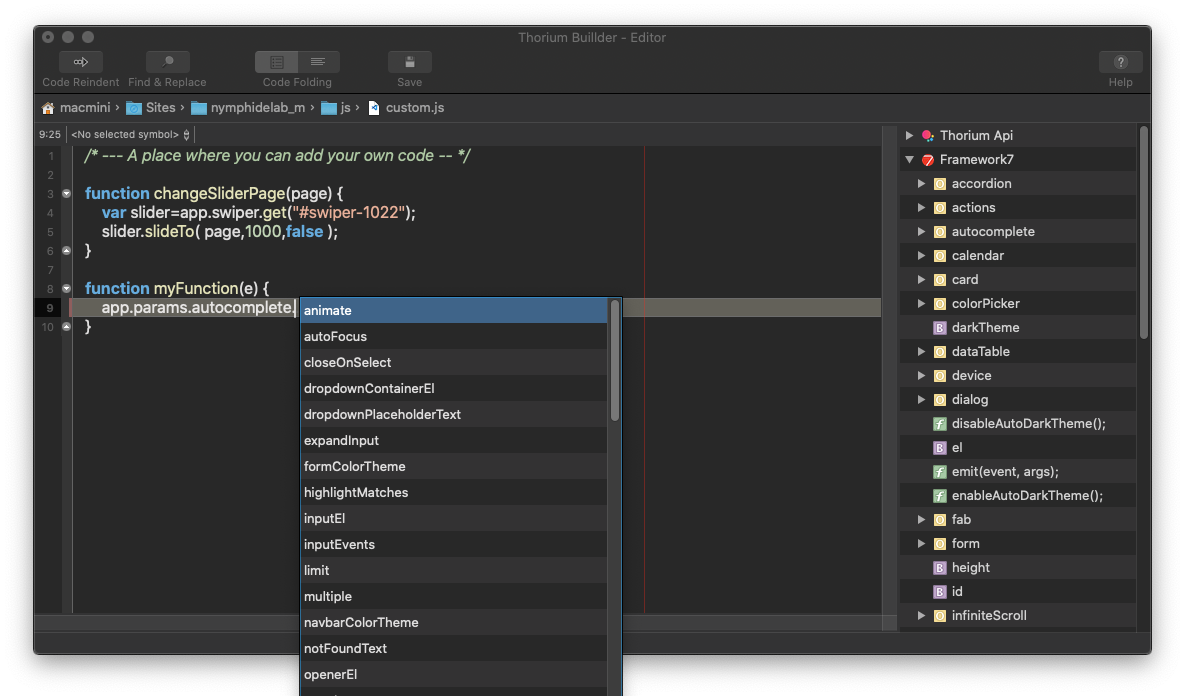
New Thorium Code Editor
Thorium API
Developer EditionThe new Thorium API exposes many new useful functions that will help you for adding your custom Code.
This API will be completed step by step with the 3.X versions.
It includes new features such as localStorage, Device Enumeration, functions dedicated to Repeaters & Virtual Lists...
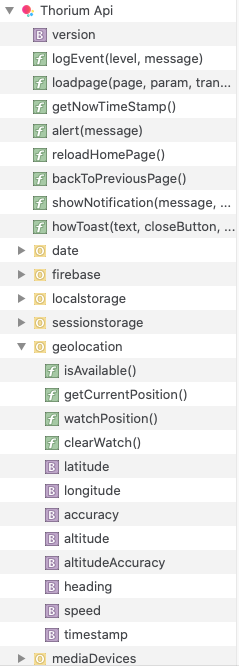
Thorium API Tree View
Firebase
Firebase Updated to 8.6.2
User Forms Editor Redesigned (see Forms)
and Various other improvements ...
Json Api
User Forms Editor Redesigned (see Forms)
and Various other improvements ...
Forms
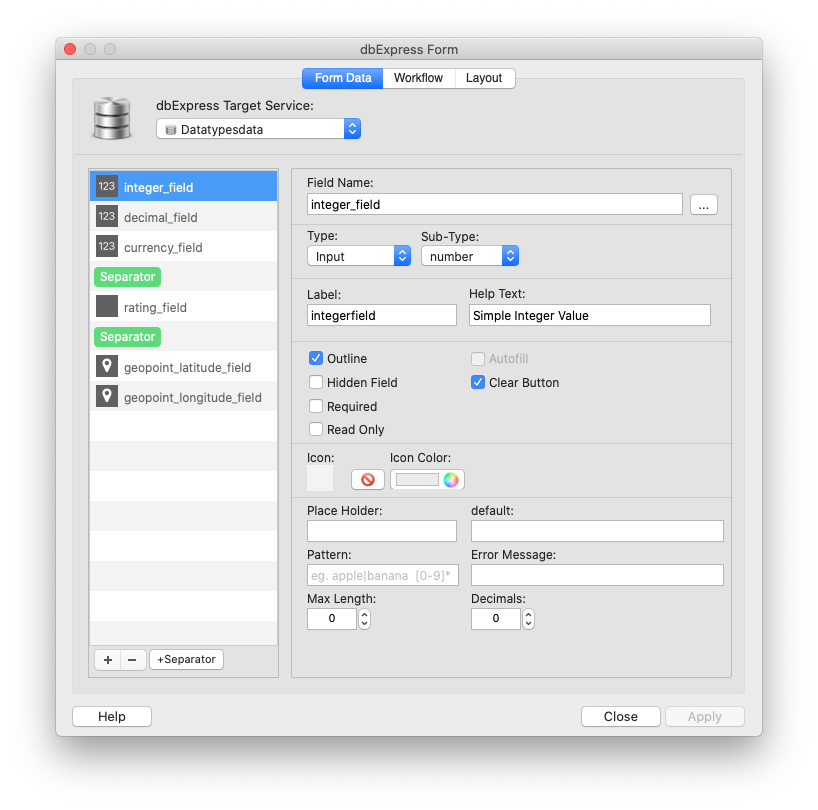
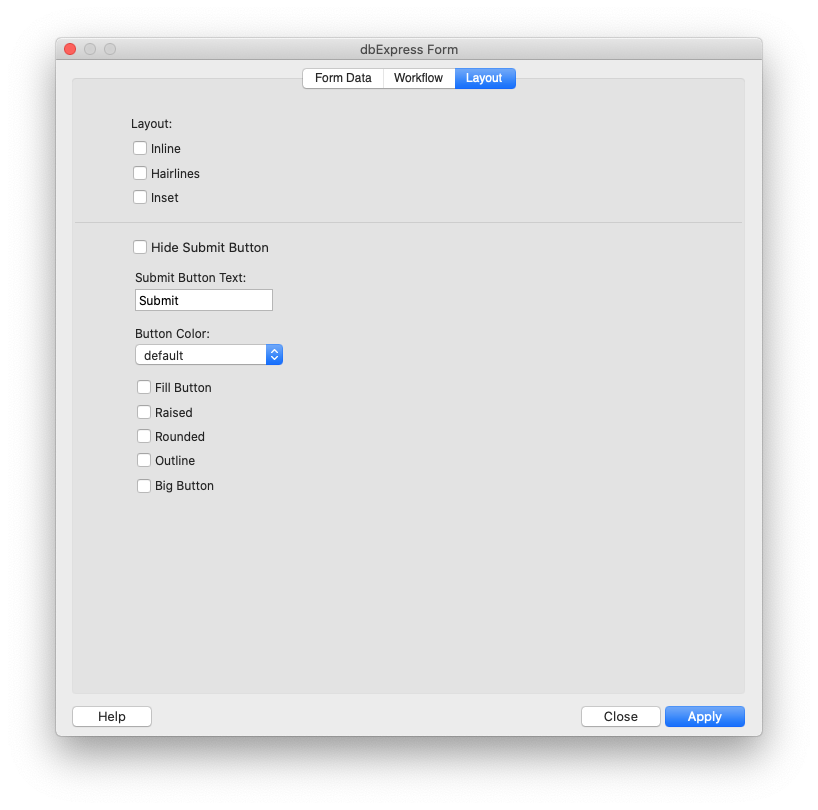
User forms have been improved (standard forms, Firebase, Json API and DBExpress forms)
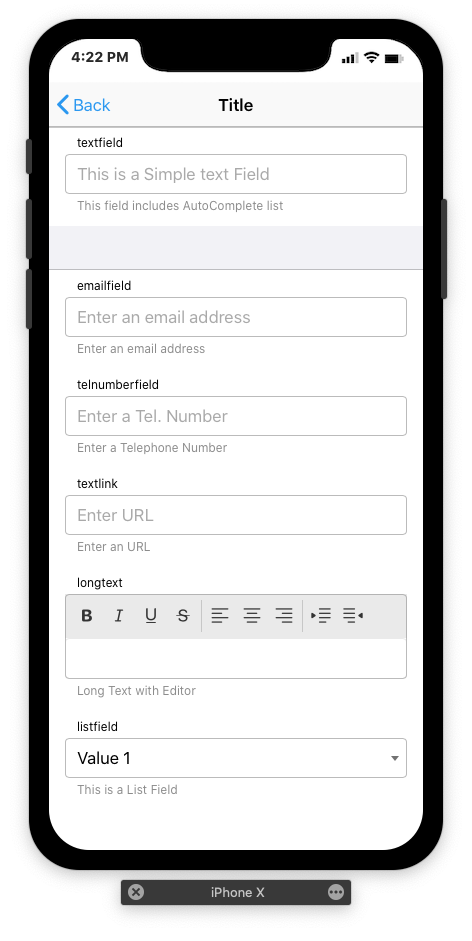
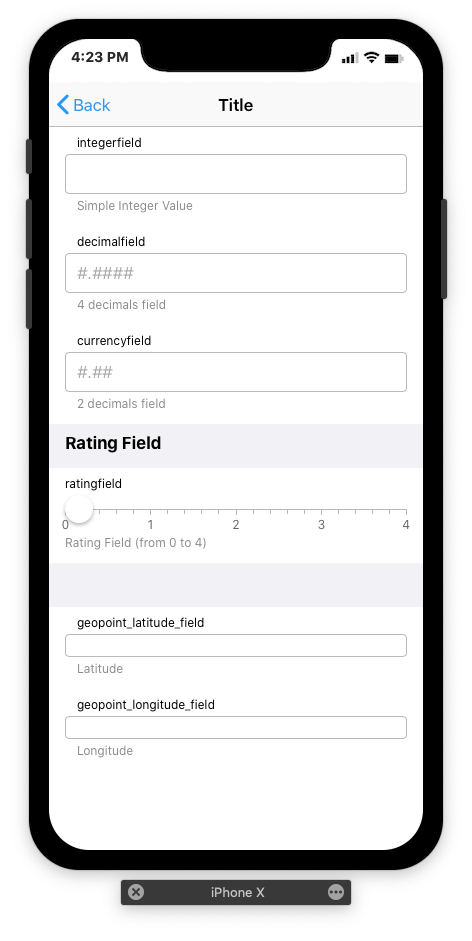
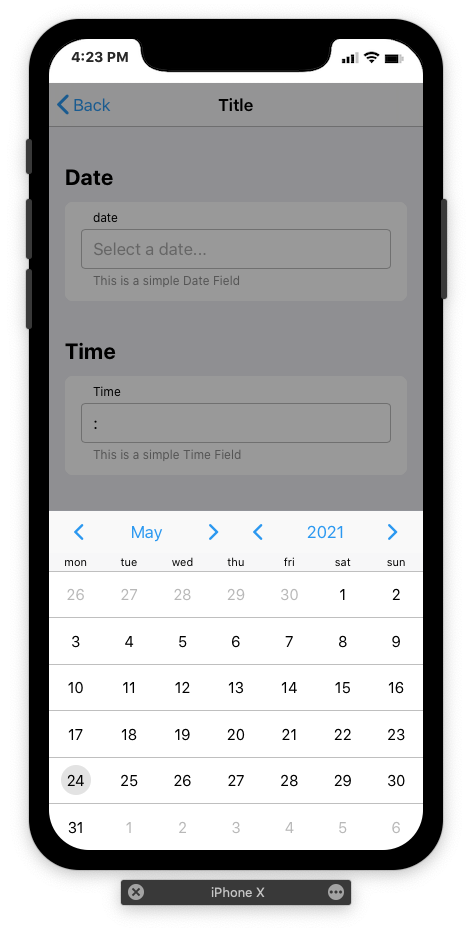
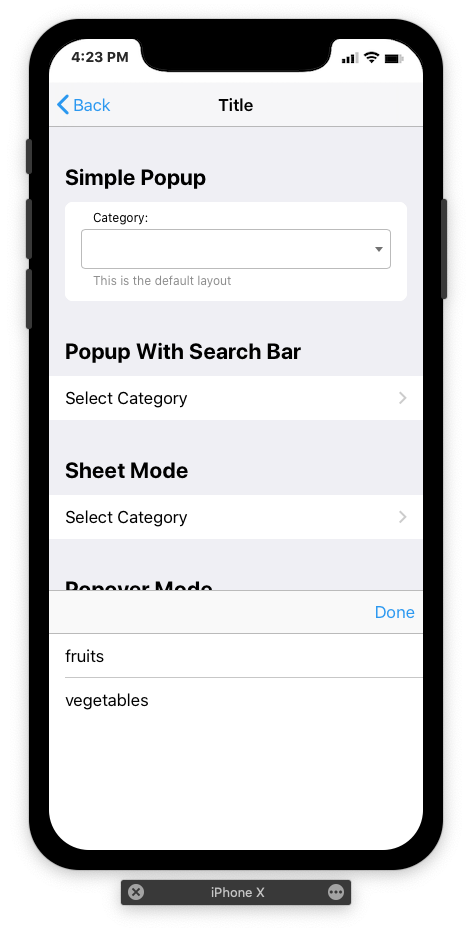
Interface design improved & simplified
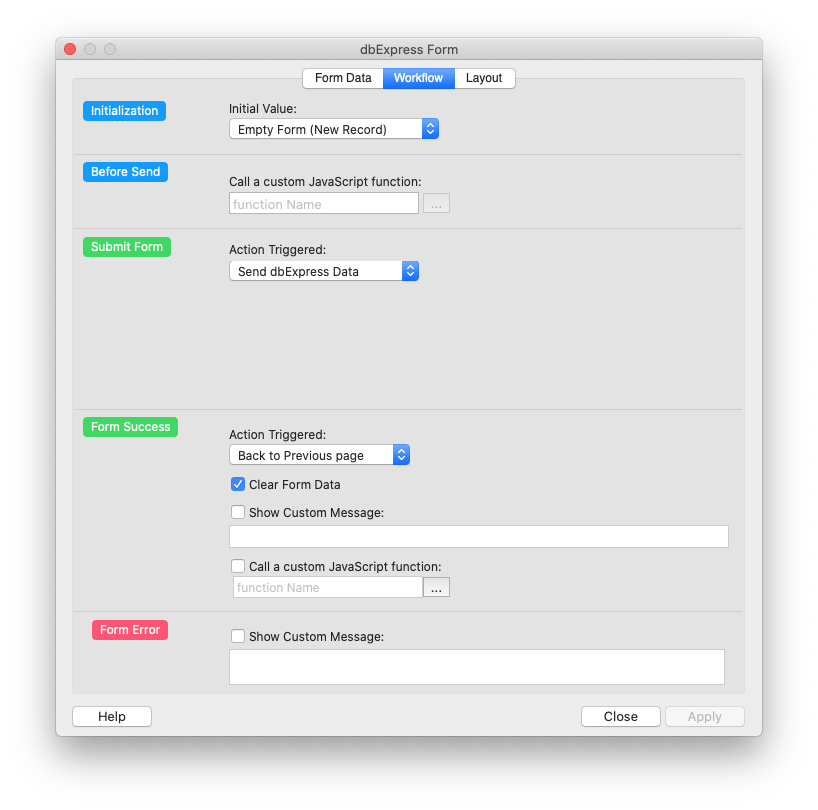
New Workflow now implements JS Function calls at different steps: Before Submit, When Submitting the Form and After Getting Result.
Added: Attribute “Outline"
Autocomplete option for text fields
Form Fields and labels can now be styled independently
Range Sliders now include a Scale
New presets for Sqlite data types (currency, numbers, decimals…)
Fields Separators can now contains any widgets
Mini Display Mode for Pictures in Forms.
Form Field Validation done “on Blur” instead on “on Submit"
Spell Check Disabled by default for Text fields.
and Various other improvements ...
dbExpress V2 (Apps Only)
dbExpress (SQLite) now includes CRUD (Create Read Update Delete) functionalities thanks to a all new Server Side TB engine.
With the conversion for Apple Silicon, this is the big new feature of this version.
Everything has been designed in such a way as to be able to develop locally under SQLite and to be able to deploy in production with another SQL database
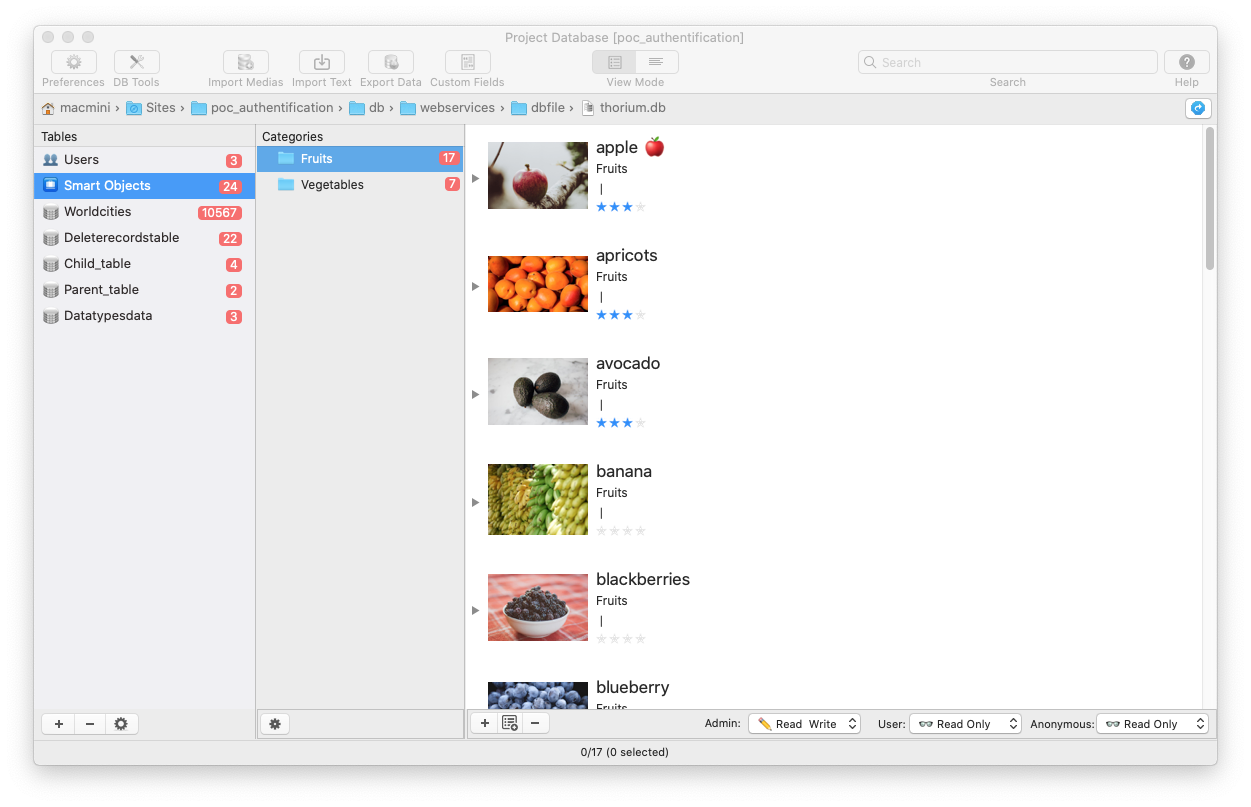
New TB Database Manager
Tables & WebServices: Possibility of creating tables with the associated Web Service. DbExpress Web Services are written with PHP but can be converted into another language without too much effort (node.js…) The new table / service editor allows you to design table structures with data types and relationships, web services are then created automatically.
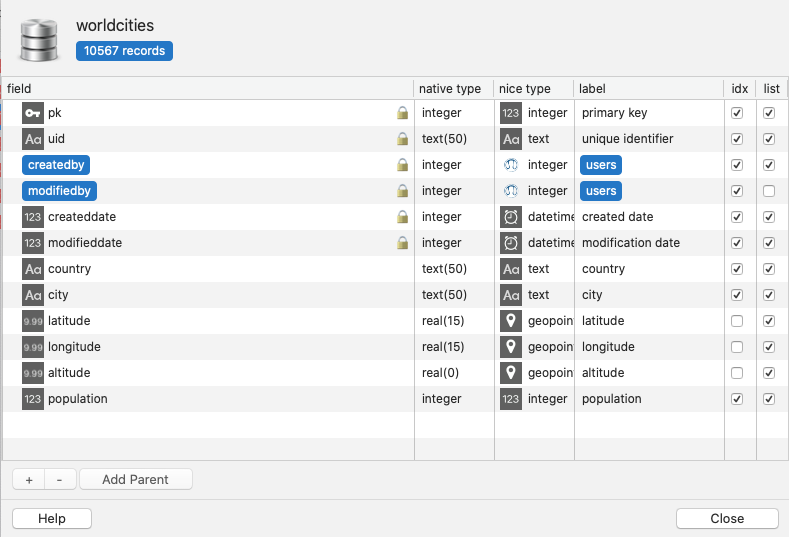
New Table Editor
Authentification: Authentification service and related functionnalities (Register, Password Lost…) are automatically added to the project.
You can setup your project with different modes: login-password required, Administrator users only or anonymous users by default.
There are 3 levels of user profiles: Anonymous - Registred user - Administrator.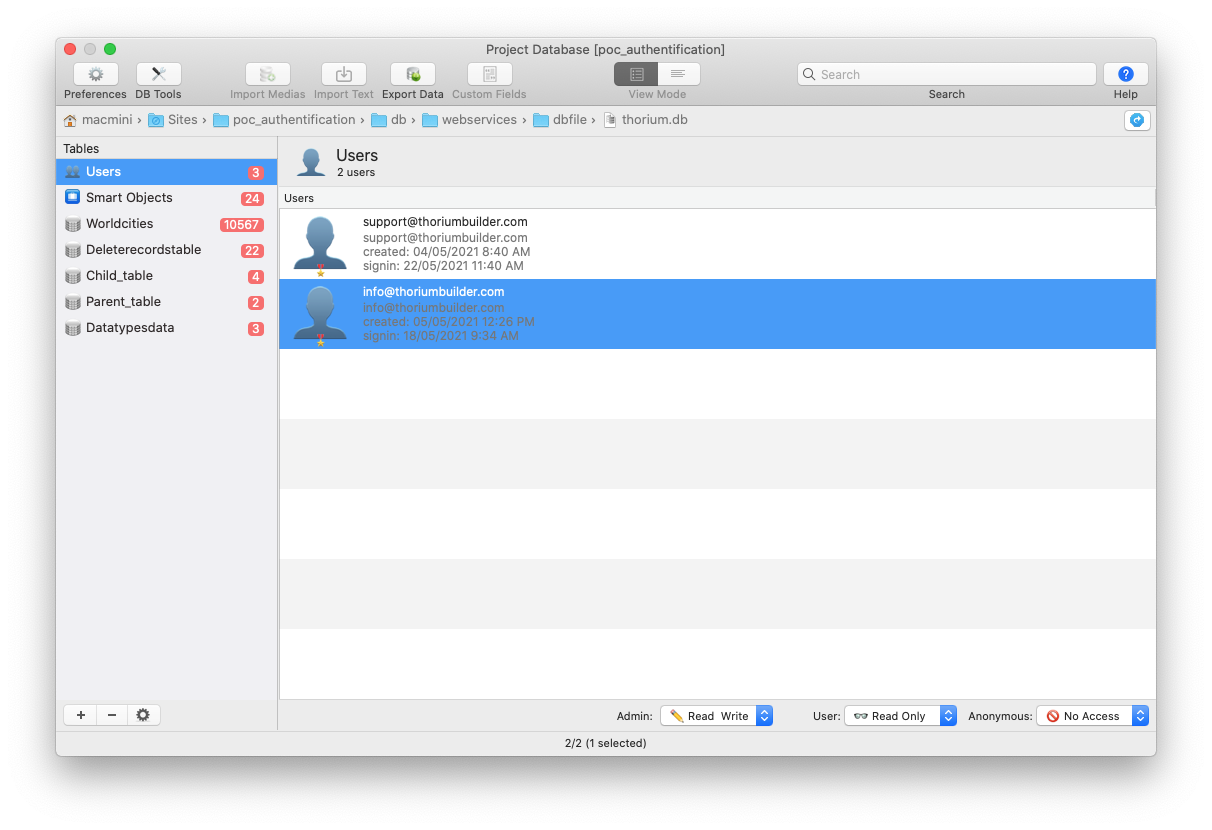
User Management in TB
When user is connecting to the DB, a token is automatically created and stored in the local storage.

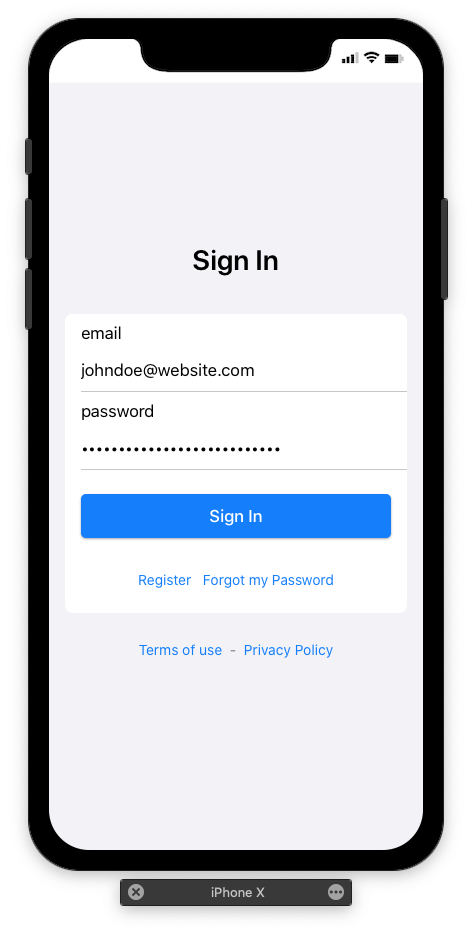
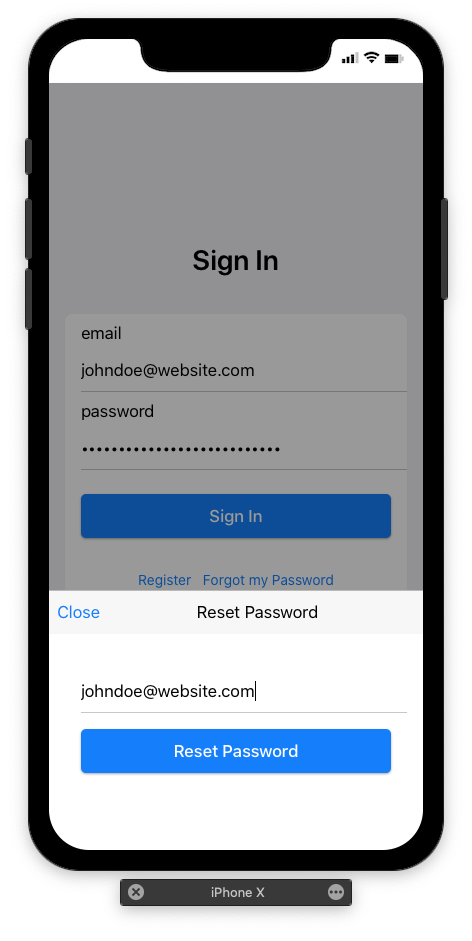
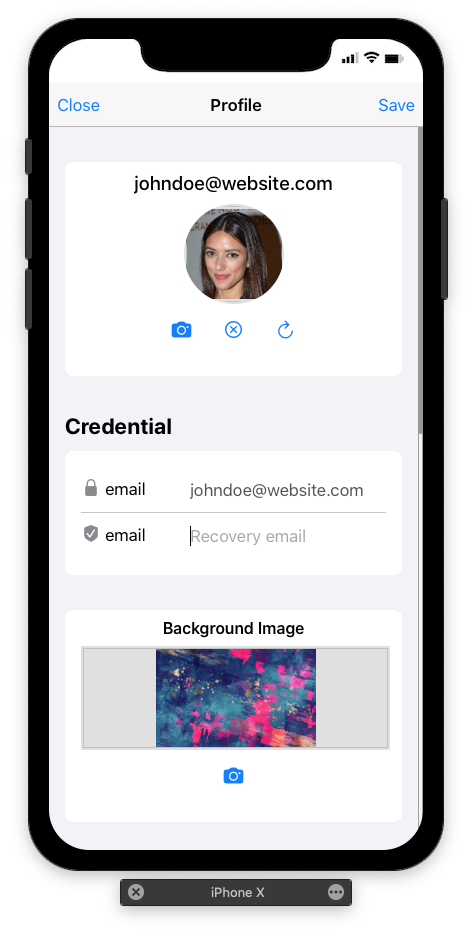
Dialogs Generated automatically (SignIn, Register, Lost Password & User Profile)
Access Rights: there are 3 levels of access rights for a Table/Service: No Access - Read Only - Read Write. These 3 levels can be assigned to every table and for the 3 types of users (Anonymous - Registred user - Administrator.)

Security: User Passwords are stored with a strong one-way bcrypt hashing algorithm.
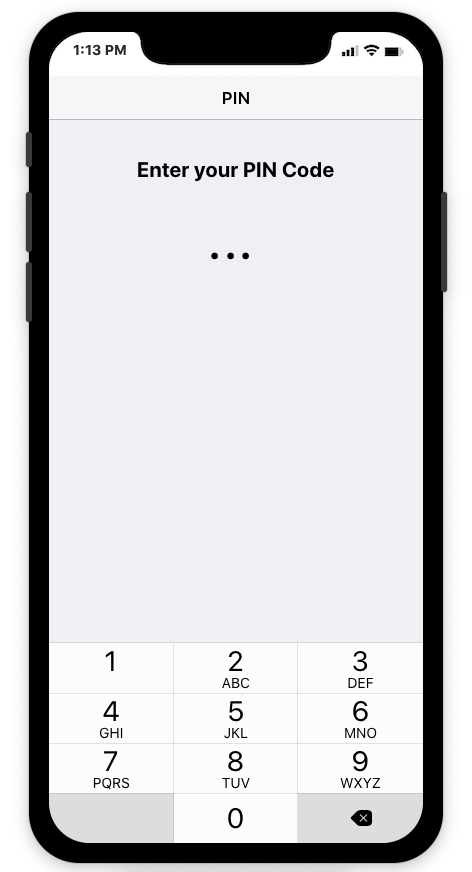
You can also implement a 2 factors registration system with PIN code.If the 2 factors registration system with PIN code is not enabled, then new users are automatically enabled, else they need to validate their account/email by entering the PIN code they receive by email.
Infinite Scroll: dbExpress Repeater can implement both the f7 virtual list engine and Infinite Scroll feature. Records will be loaded by packets of x records while the user scrolls the repeater.
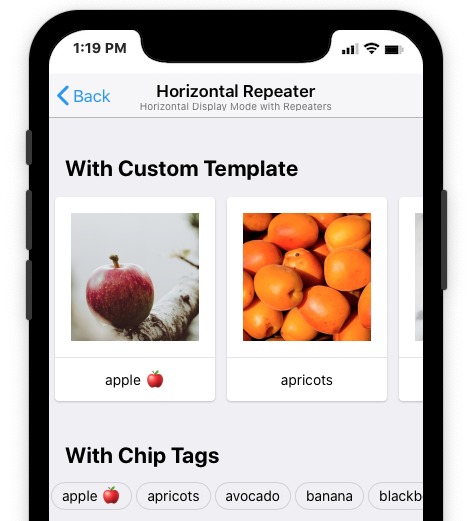
Horizontal Repeaters: it is now possible to display a Repeater with an Horizontal scrolling mode.
Connected Repeaters: it is now possible to link 2 repeaters: the contents of the second repeater will be refreshed when selecting a line in the first repeater
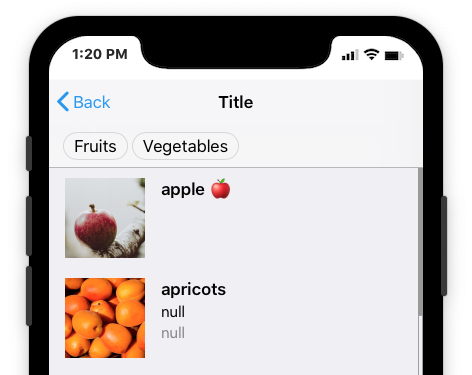
Custom Templates: you can setup a custom template with multiple columns
The number of columns can be different on a mobile & a Tablet. (Eg. 2 and 4)
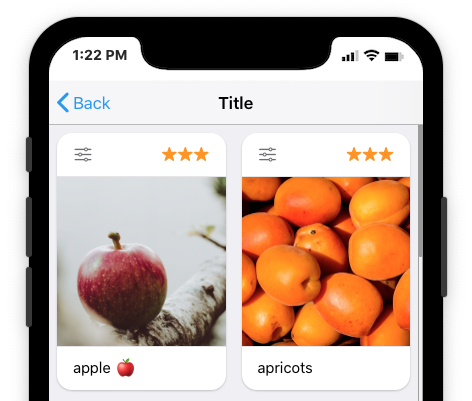
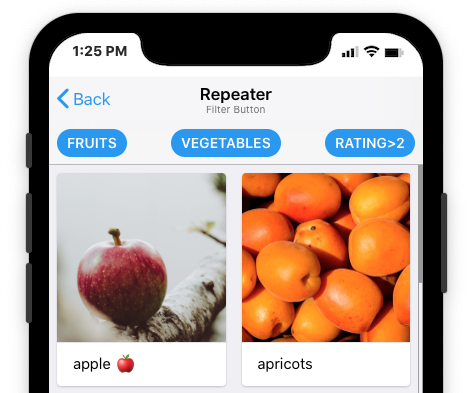
Filter Buttons: with Filter Buttons, you can apply different conditions in order to filter a Repeater
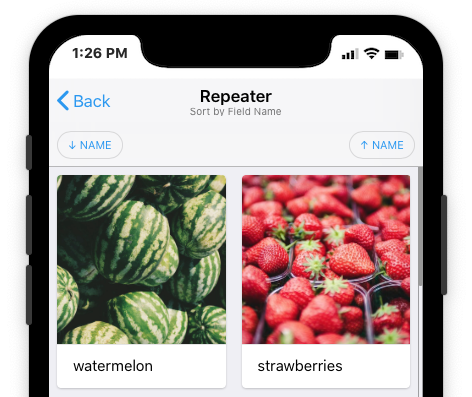
Sorting Buttons: with Filter Buttons, you can also dynamically Sort a Repeater by a given field (asc or desc)
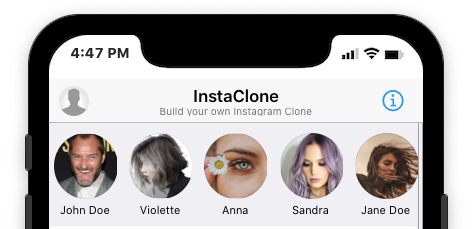
User List: depending on the user access rights, it is possible to display the list of users.
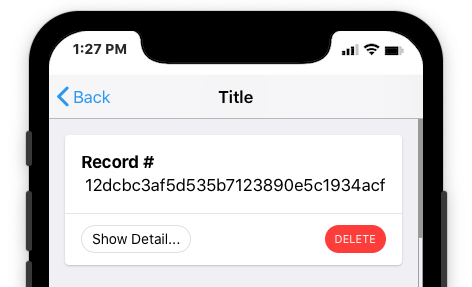
Delete Button: you can add a Delete button, both in a Repeater or a Displayer.
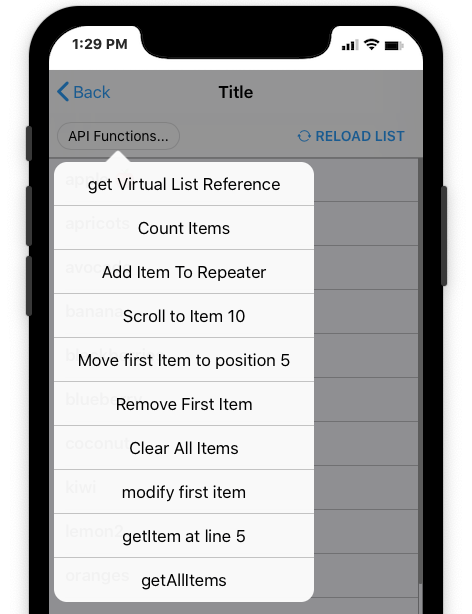
Repeater API functions: the Thorium APII includes new functions that let you control the Repeaters by code(Move items, get Items , delete Items…)
Data-types: dbExpress includes the possibility to create data types (text, Numeric…) and sub-types (Currency, Rating…)
Boolean fields can include Formulas (display an icon / color) depending on the boolean value.
Date Types are handled as UNIX Time Stamps in the Database.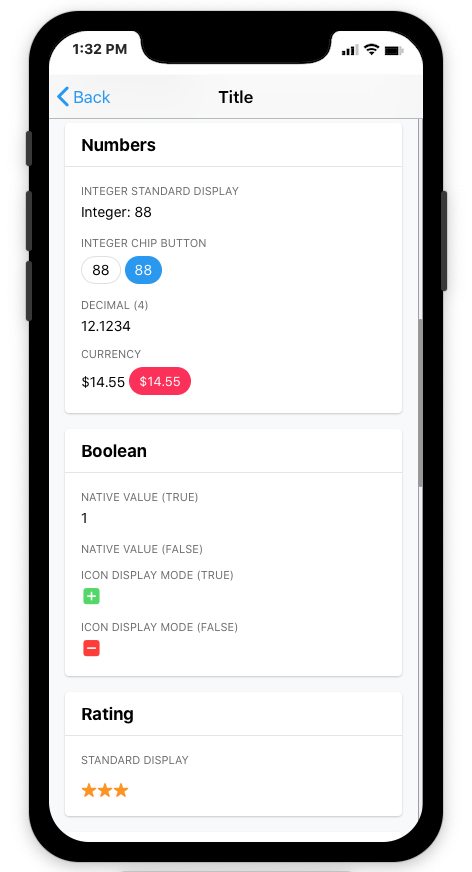
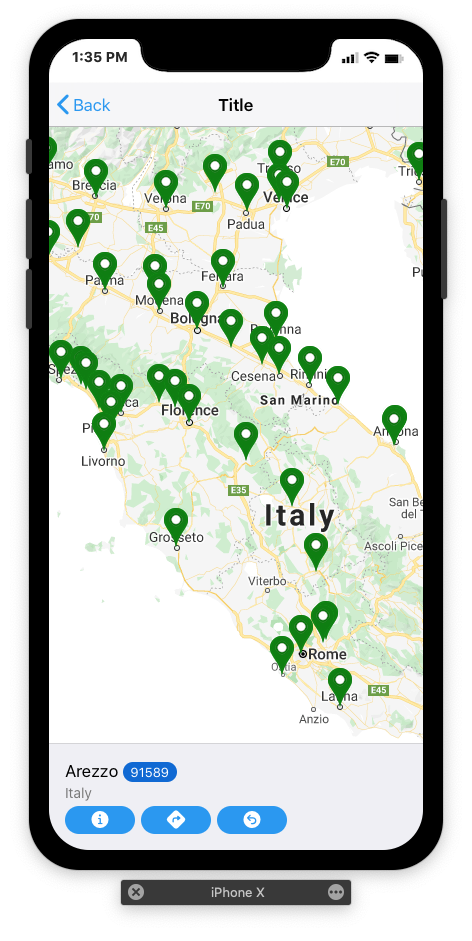
Maps: support for GoogleMap API and Open StreetMAp/Leaflet
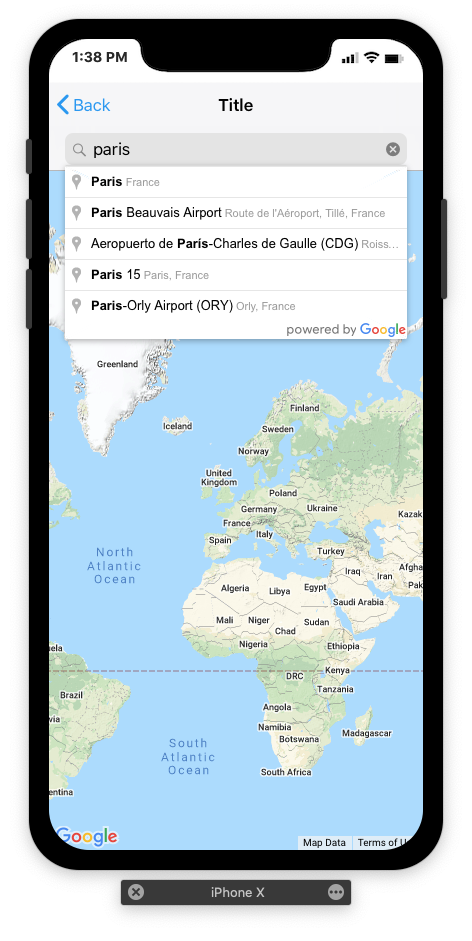
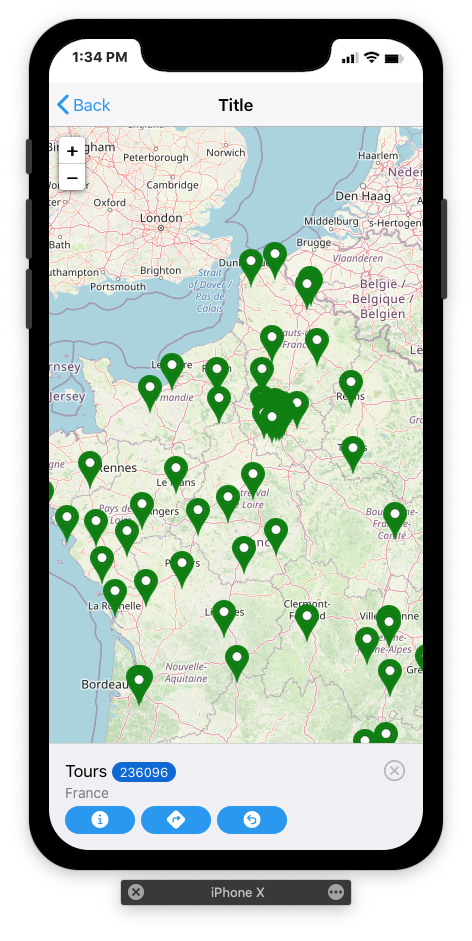
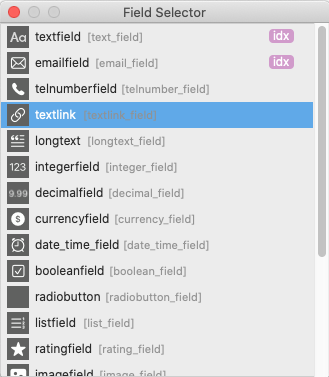
Field selector: the field selector allows you to easily choose the fields of a table wherever necessary (repeaters, viewers, forms)
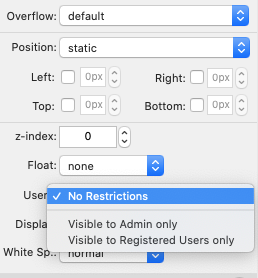
Authorizations on Widgets: Widgets can be displayed or hidden with a single click, depending on the user's access level. (Anonymous, Registered user or Administrator)
Features initially planned but postponed to 3.X
dbExpress eCommerce
3.XAlthough done at 90%, this module will be implemented in a 3.X


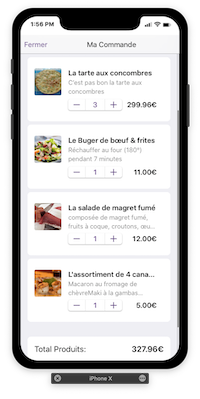
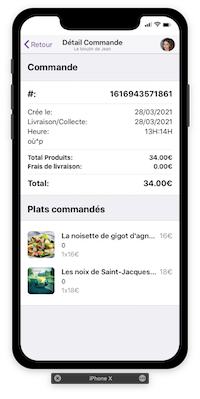
Example of dbExpress eCommerce implementation
dbExpress Custom Web Services
3.XPossibility to create custom SQL scripts available as web services
dbExpress for MySQL
3.XPossibility to migrate an SQLite Project to MySQL
dbExpress Social Plugin
3.XLike for the eCommerce plugin, this “Social Plugin” will be implemented in a 3.X.
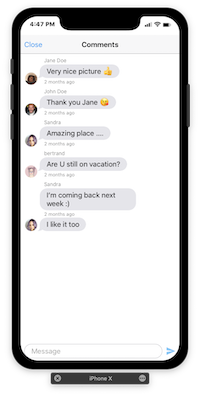
This plugin includes: Chat Widget, Comments Widget, Like and Rating buttons...
Bootstrap 5
3.XSupport of Bootstrap 5
Capacitor 3
3.XDeveloper EditionCapacitor version 3 was released a few weeks ago, so it will be implemented only with a 3.X TB version (see https://capacitorjs.com/blog )
