Thorium Builder 2.0 Release Notes
RELEASE DATE: October 23/24 - 2020
Thorium Builder 2.0 is a major update with many new features (this is a free update).
Watch the Video Trailer on youTube: https://youtu.be/FMdcpJZ6ckA
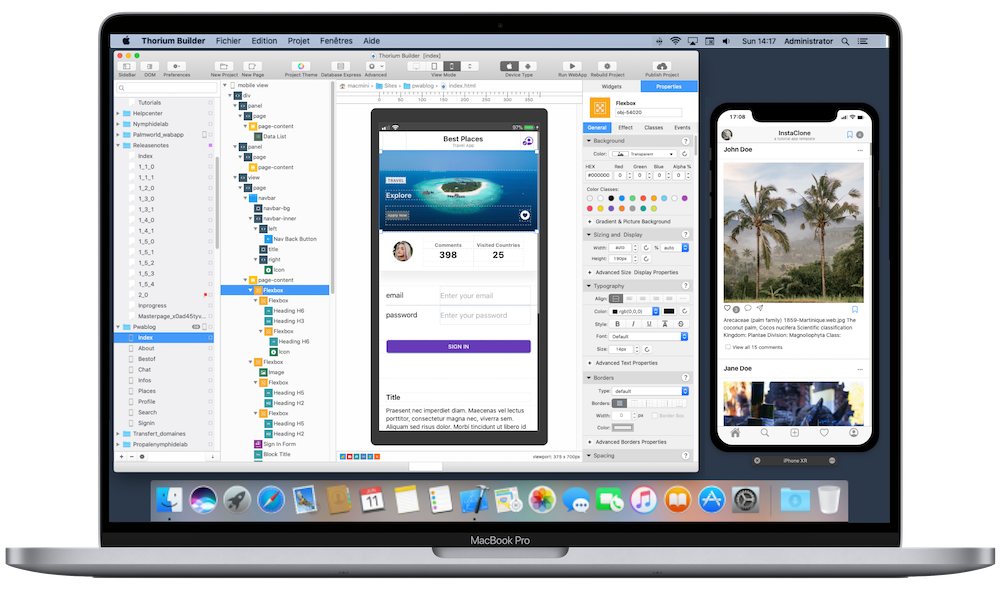
Framework & External Components
Mobile Framework
Framework7 updated to v7.5.12 ( https://framework7.io )
Web Framework
Bootstrap updated to v4.5.2 (https://getbootstrap.com/)
jQuery updated to v3.5.1 (jquery.org)
New Product Line
TB will now be available in 3 versions that will replace the existing Standard & Lite versions.
The price matrix will be changed as well, but as it is a free update, existing clients won’t have to pay anything for upgrading to 2.0.
Developer Edition
The Developer Edition is the replacement for the Standard Edition, including all the new functionnalities.
Existing Standard Edition users will be updated to this new Developer EditionDesigner Edition
The Designer Edition is the replacement for the Lite Edition.
It includes now the SQLite Extension and the Firebase Plugin.
The Designer Edition does not include Native Apps generation (PWA Only), the External plugins, the Json API and the Custom Code Features.
Existing Lite version users will be updated to this new Designer EditionFree Edition
The new Free Edition will include minimum features, without any Plugin (Firebase, Json, SQLite…) and without the Native App builder module.
The Free Edition will be limited to 2 project with 3 pages/project
Project Generation optimisation
The project Generation process has been completely optimised and is now from 3x to 10x faster depending on the project structure.
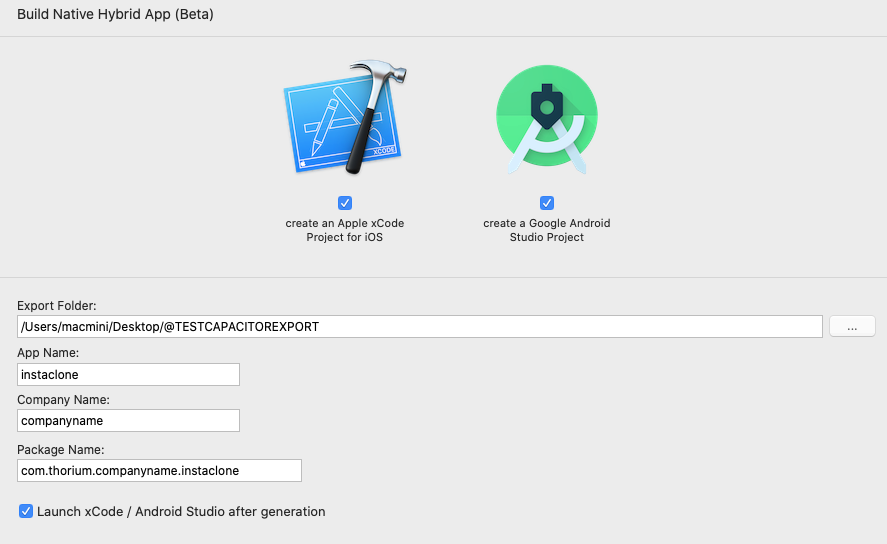
Native Hybrid Apps
Developer Edition Only
This is the big feature available with the 2.0.
It is now possible to create Native Hybrid Apps from your existing project.
This functionality is powered by Capacitor.js (https://capacitorjs.com) , the cross-platform native runtime for web apps released under MIT licence.
With the version 2.0, it is possible to create ready-to-compile Apple Xcode Project and Android Studio projects. Thorium will generate the code, and will create an optimised version of the existing PWA for native use.
All unnecessary features will be removed from your existing projects (SEO, Service Worker….) in order to create a light version, optimised for native use, but meanwhile, all the PWA features will still be available for the PWA version of your project.
Note that since the last Xcode 12, it is even possible to create a compiled App for Mac Desktop, so your App can exist in 4 versions: PWA, Native iOS, Native Android and Native MacOS.
All necessary Assets will be automatically created (SplashScreen , Icon, BundleID…) so you just have to run the project compilation.
Watch the Video Trailer on youTube: https://youtu.be/0mEQK5BLddA
Thorium Plugin Editor
Developer Edition Only
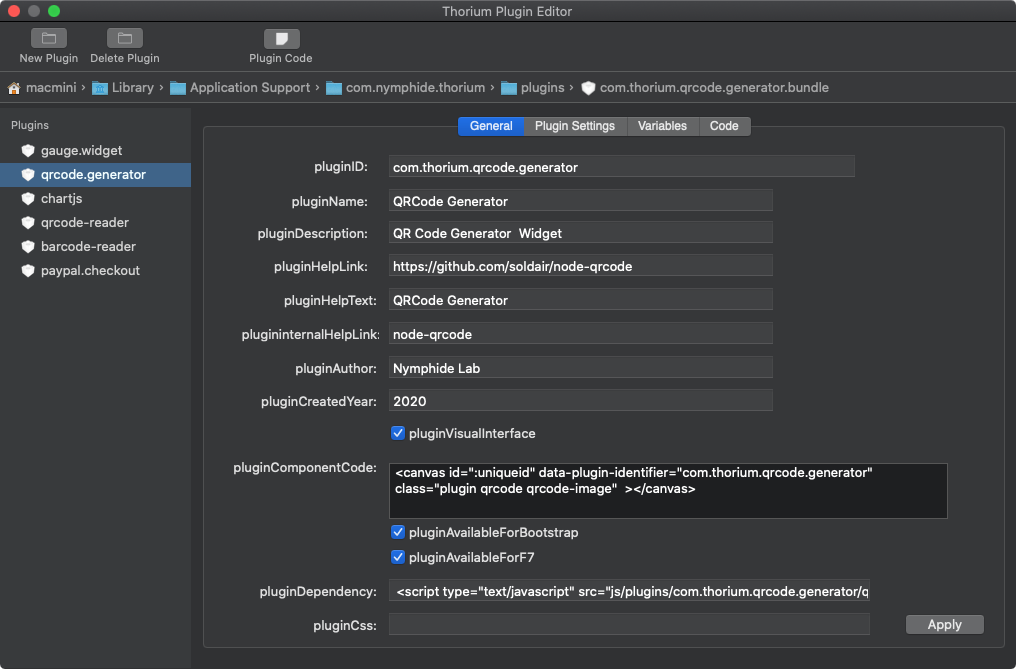
With version 2.0 it is now possible to create your own reusable plugins, both for websites and mobile apps.
The interface of TB Plugin Editor allows you to modify the parameters and parameters of the plugin and to integrate your own code and / or dependencies.
Once a plugin has been added to TB, it is possible to use it in all your projects (with different settings if necessary)
Note that a Plugin may or may not include a Visual Interface.
Class Editor
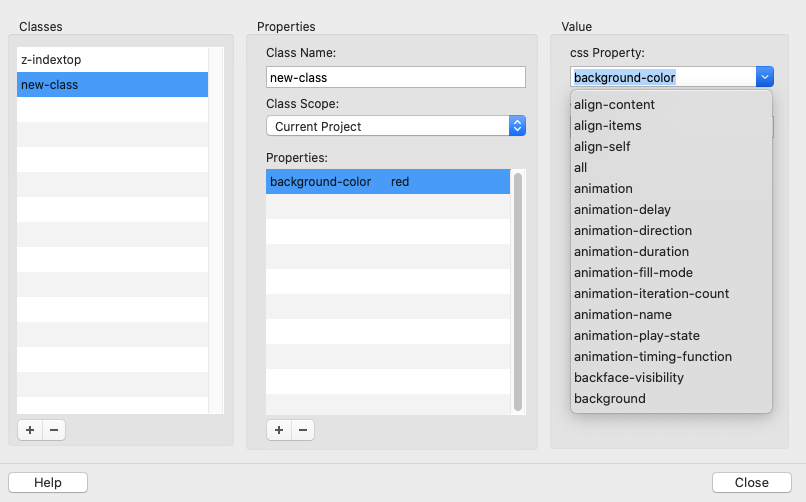
The new Class Editor allows you to create custom CSS classes that can be reused in any project.
You just need to create a Class and apply it to your page elements.
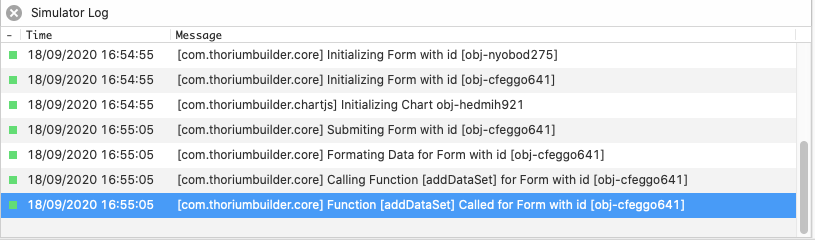
Mobile Simulator Log
The brand new mobile simulator log will show all actions performed with your app.
(This log is also available with Xcode and Android Studio).
It will produce a lot of useful information including warnings and errors.
You can even use it when writing custom code or custom plugins.
Project Audit
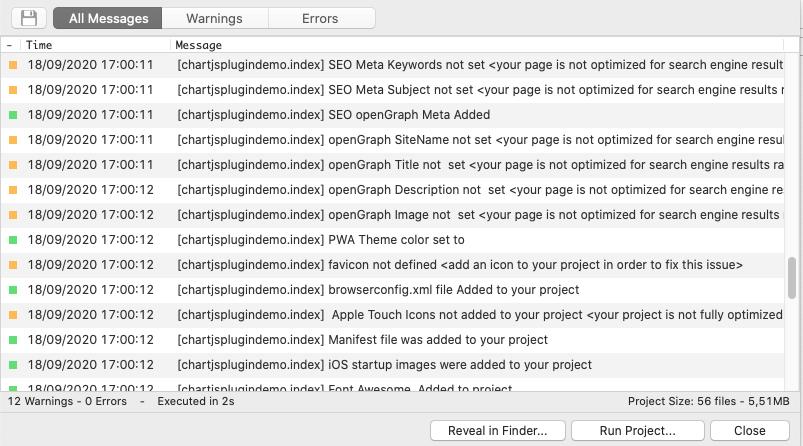
When rebuilding a project, you can now view all the processes performed by TB.
This log will display warnings if any items are missing or incorrect.
For example, it will alert you if SEO is not complete or if you haven't set an icon for your project.
Project Structure
The project structure has been improved with version 2.0 (a project conversion function will make the required changes for you when opening a TB 1.x project).
The App.js file is now split into 2 files: thorium.config.js and thorium.core.min.js
thorium.core.min.js includes all the TB core function
thorium.config.js includes only the App preferences and settings
All the Frameworks files are now located in App:js:framework (framework7 or Bootstrap)
All the new plugins files are now located in App:js:plugins
All the project generated icons have been moved to app:icons so they are now separated from project images (app:img)
All the TB plugins are now converted to objects with Methods properties & events definitions.
For example, you can call the shortcut thoriumCorePlugin.showNotification(“My Notification”) for showing a Notification in your custom code.
Project Image Viewer
The Project Image Viewer has been completely rewritten and can now display all the project image list as thumbnails with an Image Information panel.

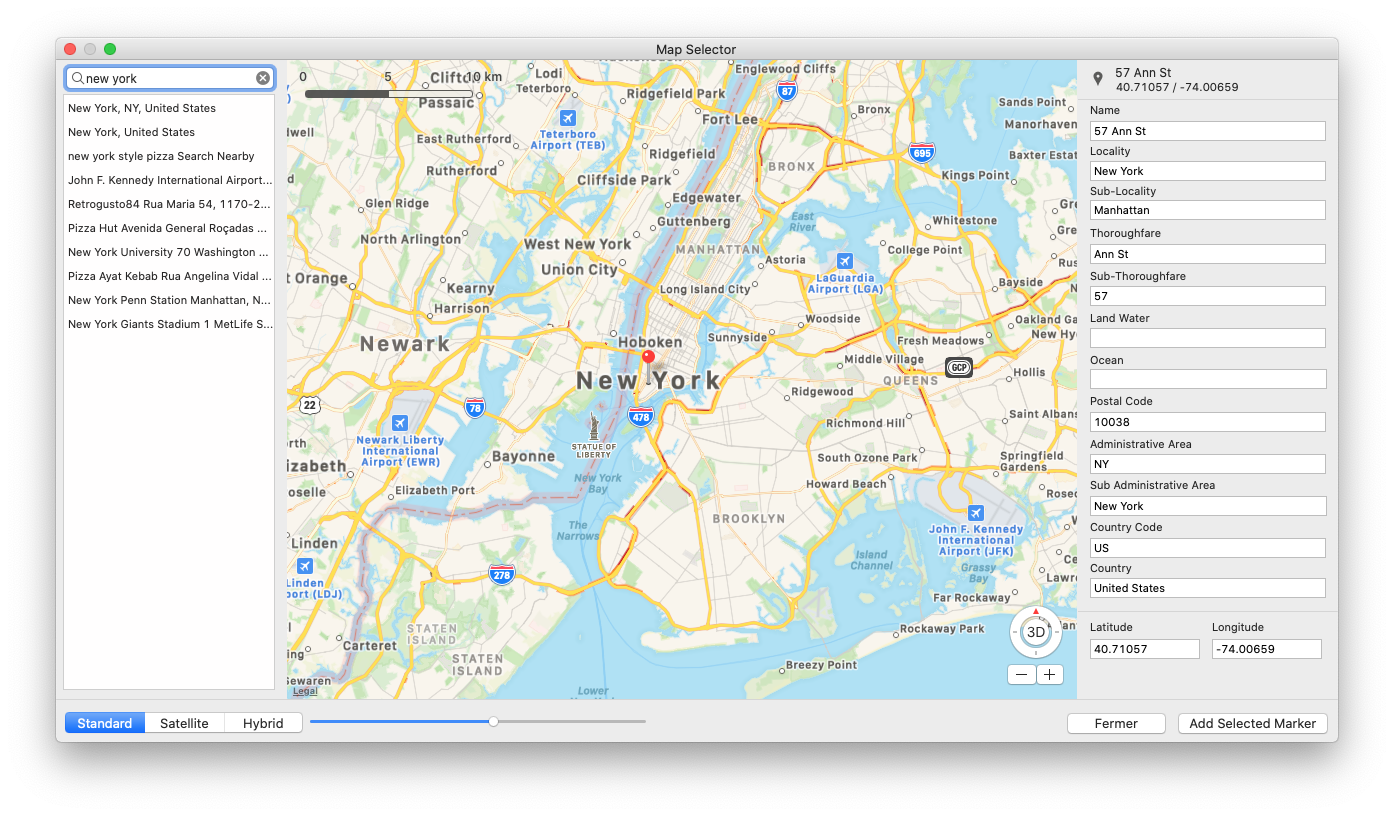
Map Marker Selector
The Map Marker Selector has been completely rewritten by using Apple MapKit
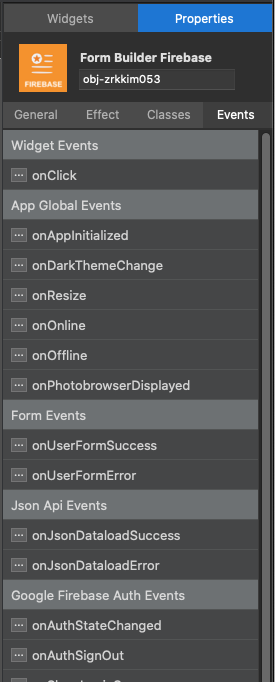
New Layout for the Widget Properties Panel
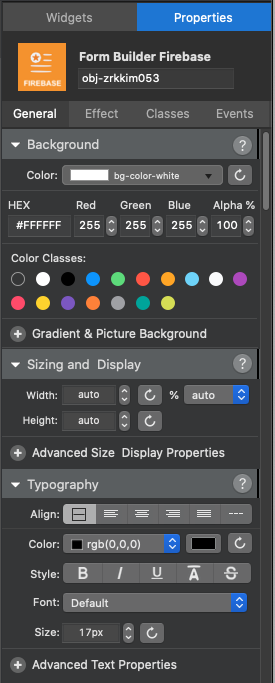
The Widget Properties panel has been redesigned and includes new properties (Absolute positioning …).
All Events ghave been removed from the Contextual Menu and are now available directly in the “Events” tab of the property panel.
Tabs Container
Tab Containers were available only with page templates, but now, thanks to this new component, you can create multi-page containers anywhere in your App.
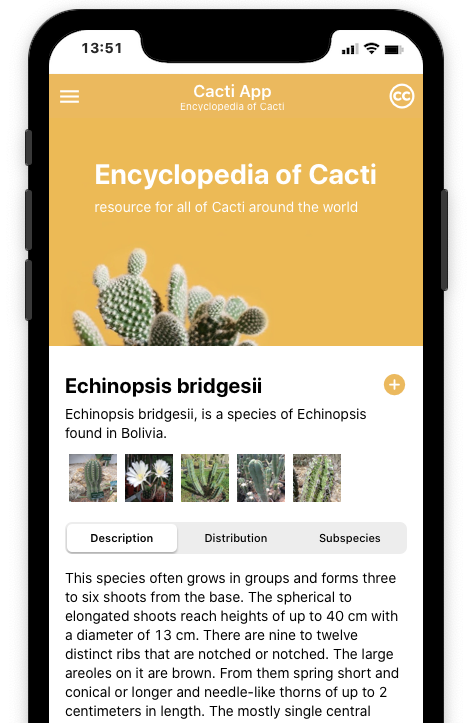
Json API
We have added some new settings to the Json API, it is now possible to control all the Options and Headers sent by Thorium when calling an API:
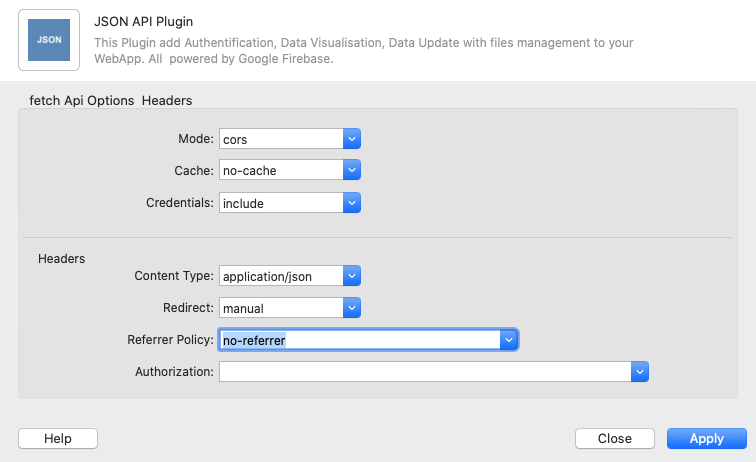
New Open Street Map + Leaflet.js Plugin
This new Widget, based on Open Street MAp in conjunction with the leaflet.js API, allows you to implement maps.
This component allows you to display lists of markers from static data, or from Sqlite, the Firebase plugin or the Json API (API/REST Web Services).
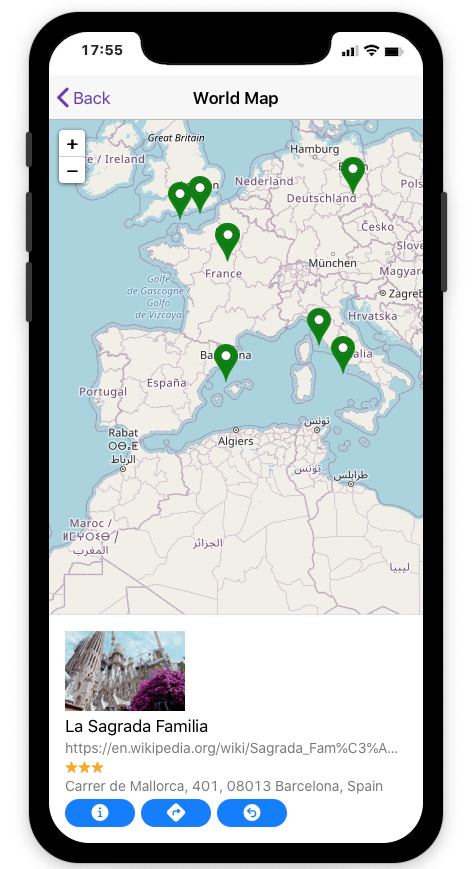
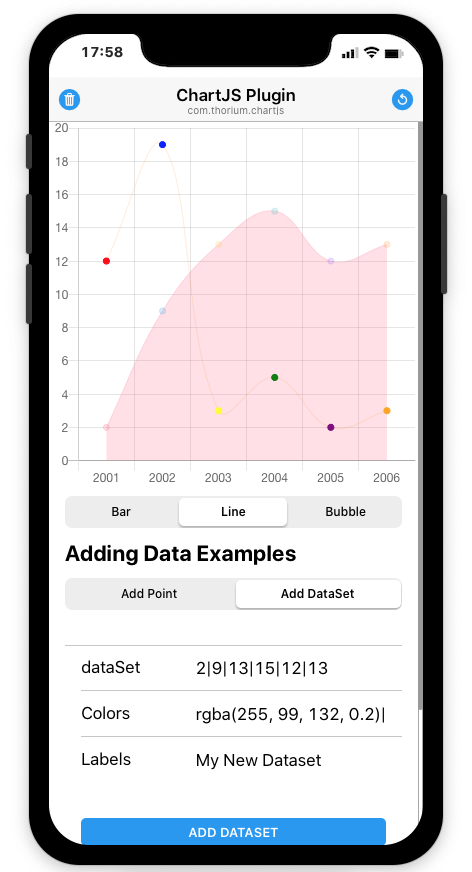
Chart Plugin
Based on the amazing chart.js, this new component allows you to implement sophisticated charts using just a few very simple commands.
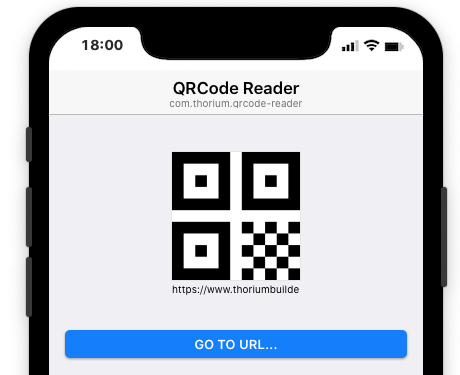
QRCode Reader Plugin
This new Plugin allows you to read and decode a QRcode.
A Barcode version is under development
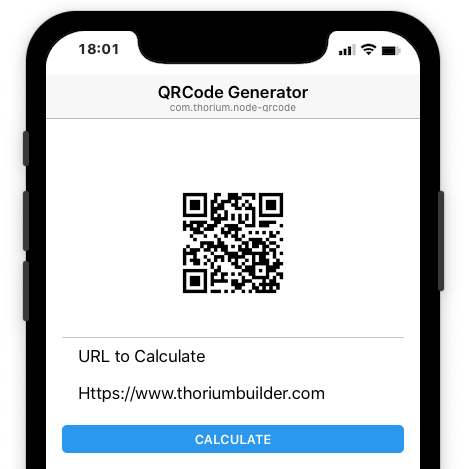
QRCode Generator Plugin
This plugin allows you to generate a QRcode from a string of characters (Web Address, Product Code ...)
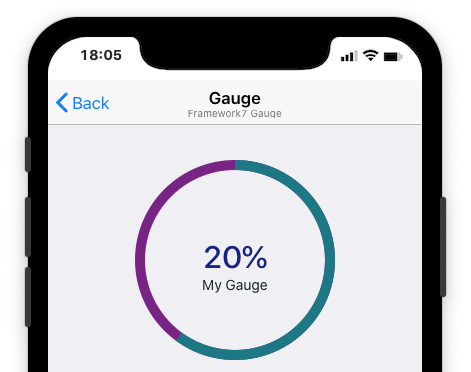
Gauge Plugin
Based on the framework7 component of the same name (https://framework7.io/docs/gauge.html), this new plugin allows you to display a gauge by passing different customization parameters.
eCommerce Plugin for Firebase
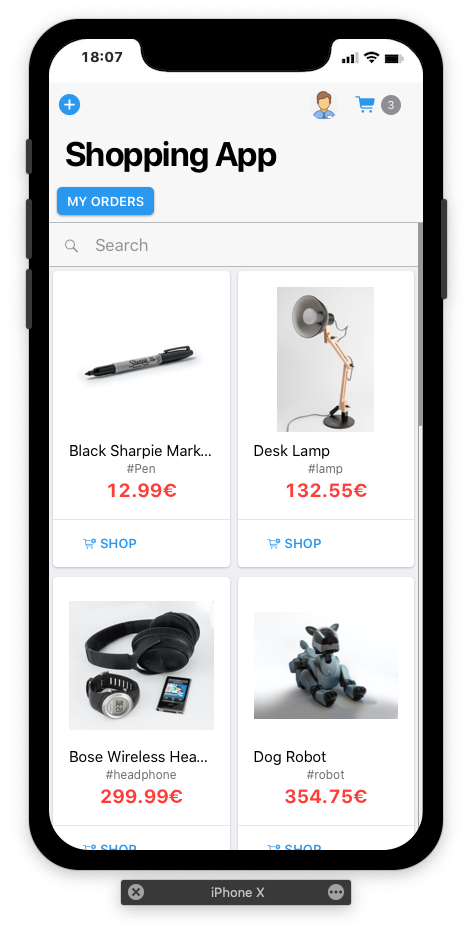
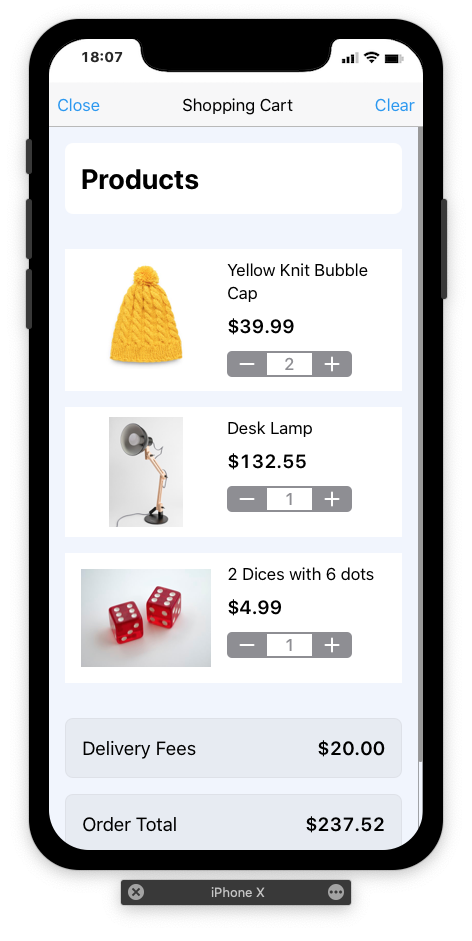
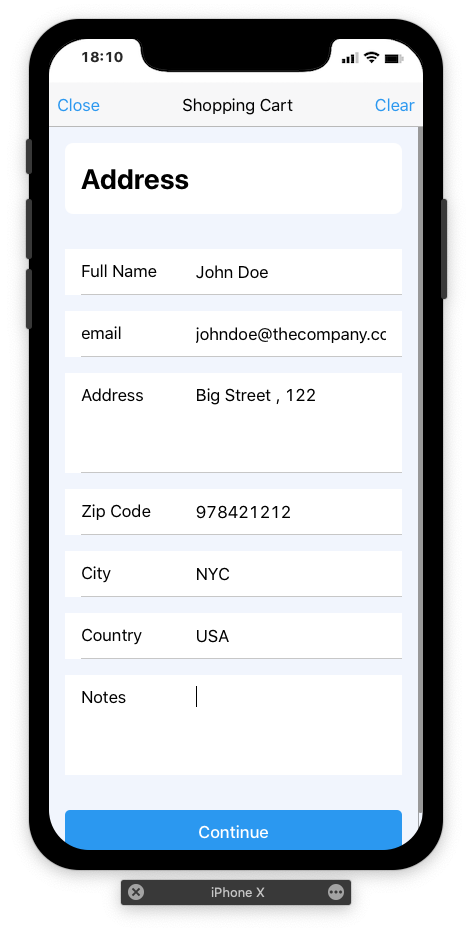
The new eCommerce Plugin for Firebase allows you to set up an eCommerce App very easily.
This module cannot replace specialized eCommerce modules for advanced needs, but it includes the following features:
Easy Implementation with a few clicks
Custom Currency
Can work with any Firebase Collection, even several ones at the same time.
Shopping Cart Quantity
Include Delivery Fees
Customer Address input
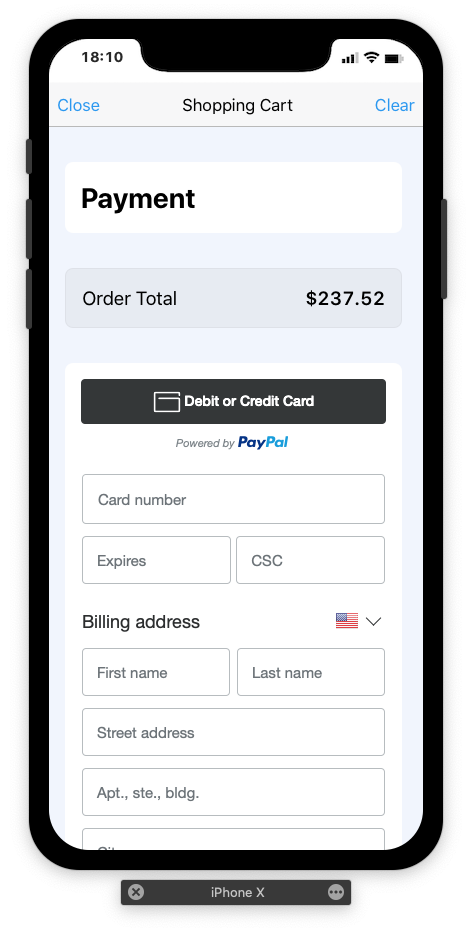
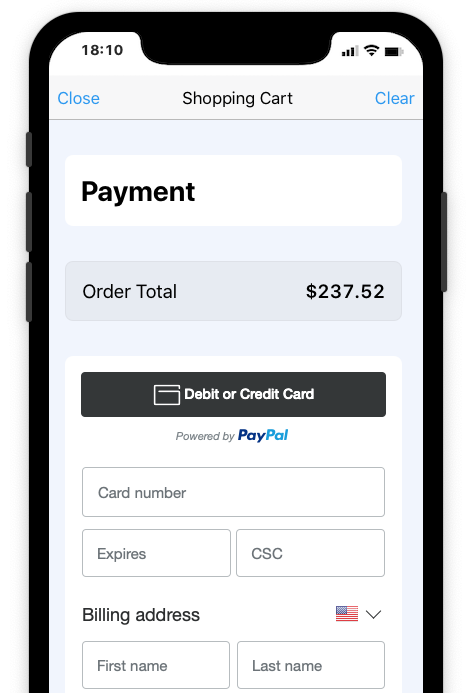
Connect to a Payment Gateway. (See Paypal Plugin for example)
Orders saved to Order History
Paypal checkout Plugin for eCommerce
This payment plugin is intended to work with the Firebase eCommerce Plugin.
It implements the simplified payment method "Paypal Checkout".
Note that this plugin is delivered with its source code, which makes it possible to duplicate it to create an interface plugin with another Payment Gateway (Stripe ...)
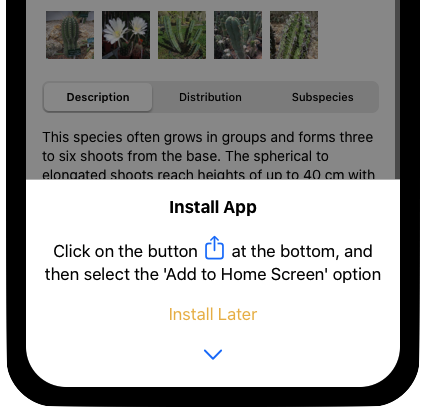
Add to Home Screen Improved
The “Add to Home Screen” prompt has been improved
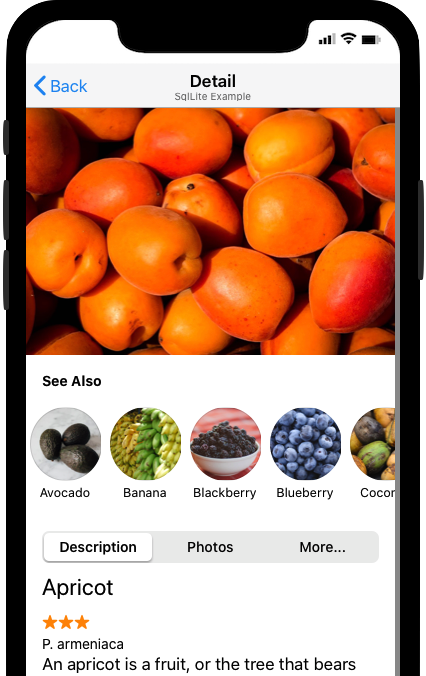
Collection Horizontal Display Mode
The "Collection" widget has been improved and can now be displayed horizontally, with round images ...
Muti-Column Repeaters
Firebase & Json API Repeaters (f7 virtual-list) can now be displayed with a multi-column mode)
Template Height Calculation has beed optimised as well.
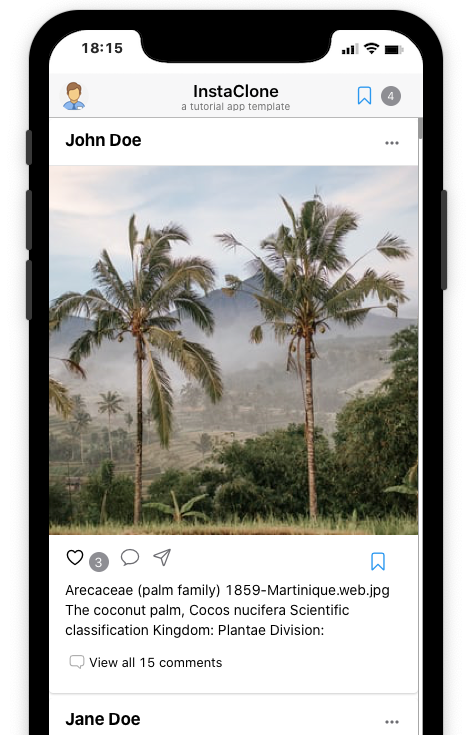
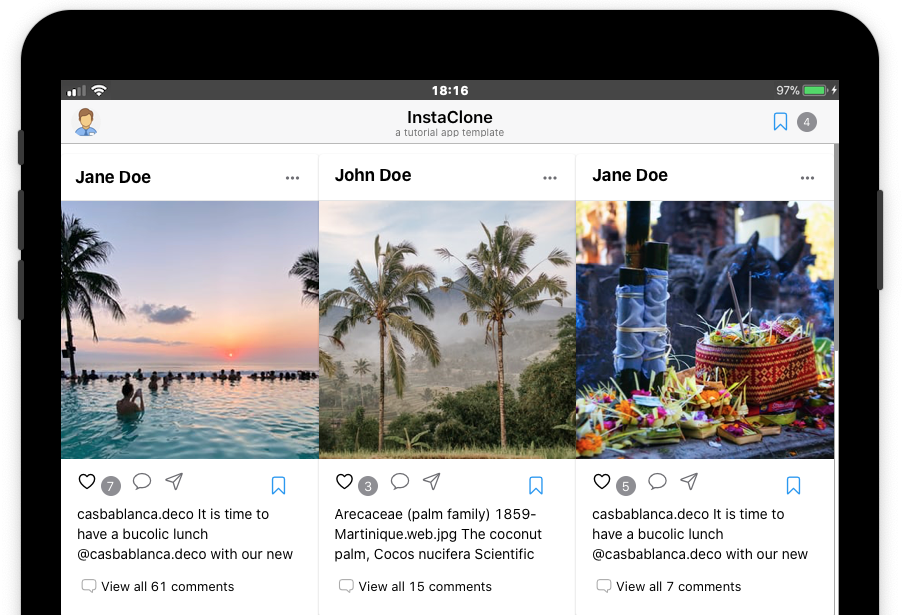
Display Mode with one Column on mobile (left picture), and with 3 columns on Tablet (Picture above)
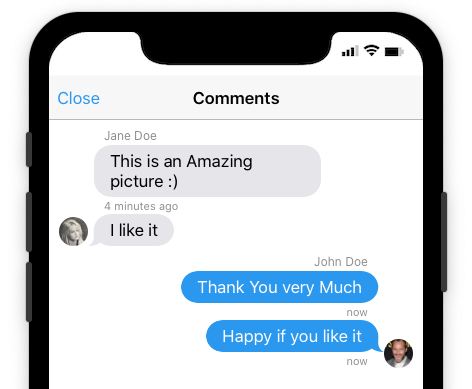
Commenting and Like Button Plugin for Firebase
With this new Plugin it is possible to add the possibility of letting users add comments to records.
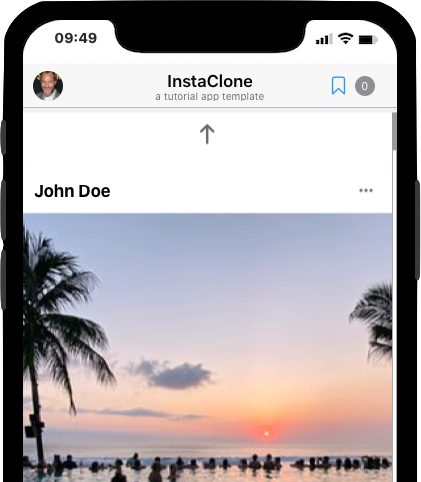
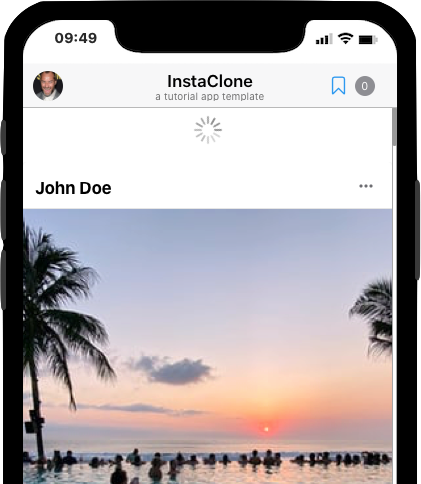
Pull to Refresh
The "Pull to Refresh" option, available with Firebase and Json API, allows you to reload a Repeater. This function is particularly useful if new records are inserted into the database while the user is online.
Multilingual Projects
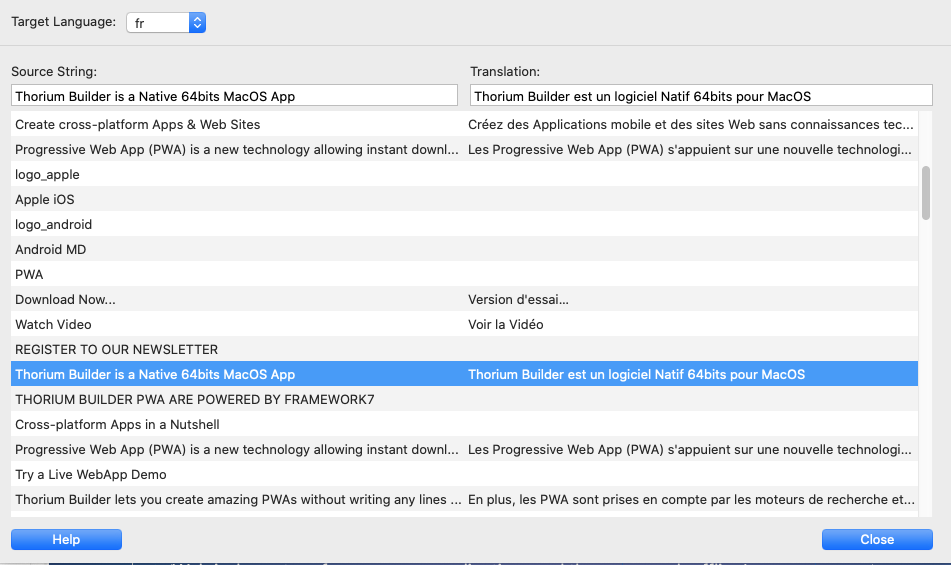
The Web and Mobile projects can be defined as multi-lingual, and a very simple interface makes it possible to define the translations for all the character strings available in a page.
Database Express
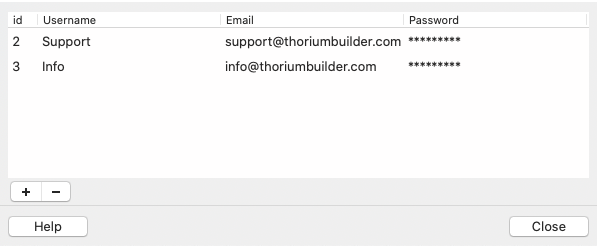
Embedded Sqlite functions are now renamed to DB Express.
And when using the Sqlite Auth Plugin, it is now possible to manage users directly from the interface.
-
App Form Delegate Submit Button
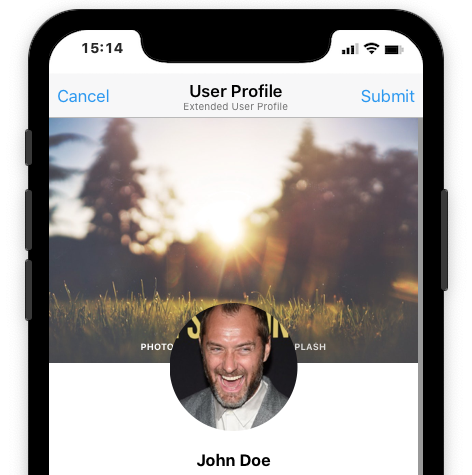
This Widget allows you to create a "Submit" button for forms which can be located anywhere on the page.
In the example below, the button has been placed in the title bar.
App Form Builder
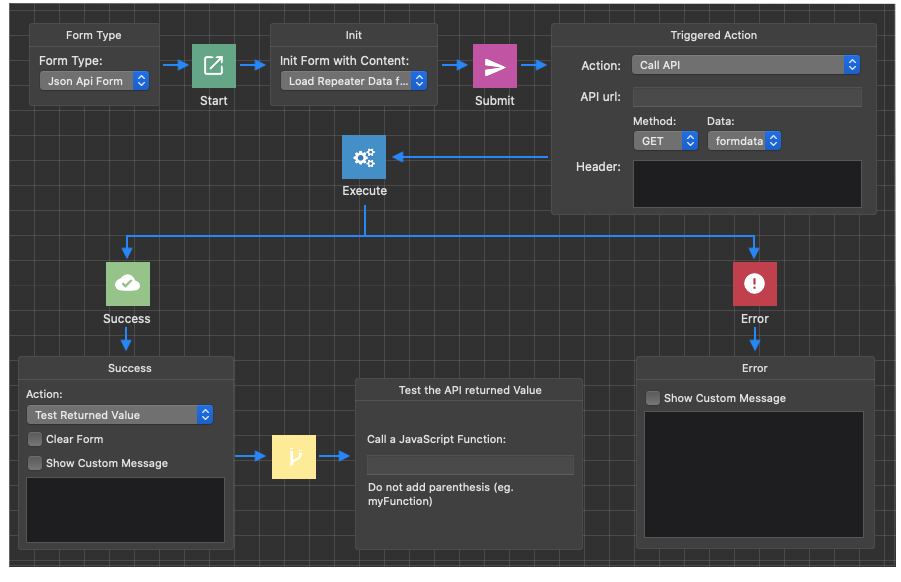
The Form Builder has been improved, and now includes the following new features:
Form Workflow Interface improved.
List (<select>) can now be populated from a Firebase Collection
It is now possible to use file-input s (Images…) with the JSON API
Forms can be used to perform a complex Search with Json API
It is possible to add extra Headers to the Form
Form Seaprators can now contain extra content
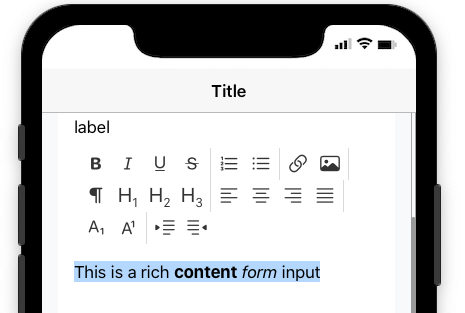
It is possible to create Rich text input field
It is possible to convert standard Form to Firebase Form and/or Json API forms
New Firebase Form: “Single Record Form”. This Form type will let you load and save a single Record (Like a Memo for example)
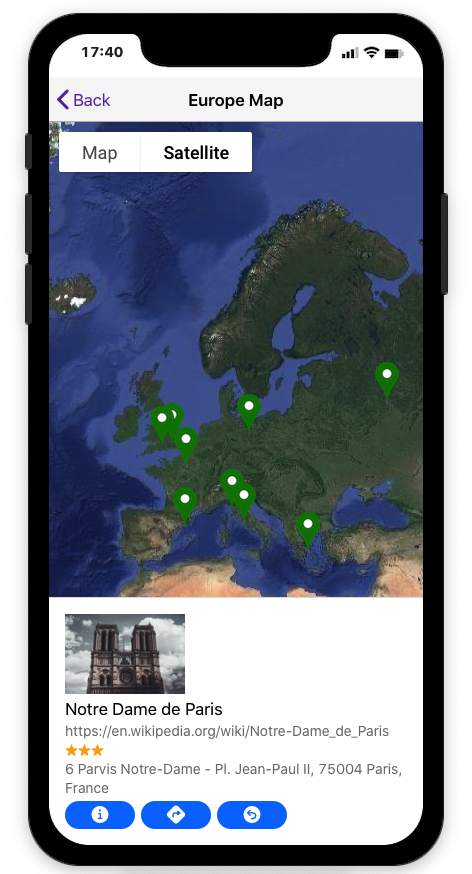
GoogleMap API for Firebase & JSON API
The Google Api Plugin is now available for Firebase and Json API in addition to SQLite.
GoogleMap API renamed to thorium.googleapi.min.js , and moved to Plugins
The Marker Info Window has been redesigned and now have a dynamic size and breakpoints for small mobiles.
It now implements 2 additional buttons: Route to Destination, and Direction From Here
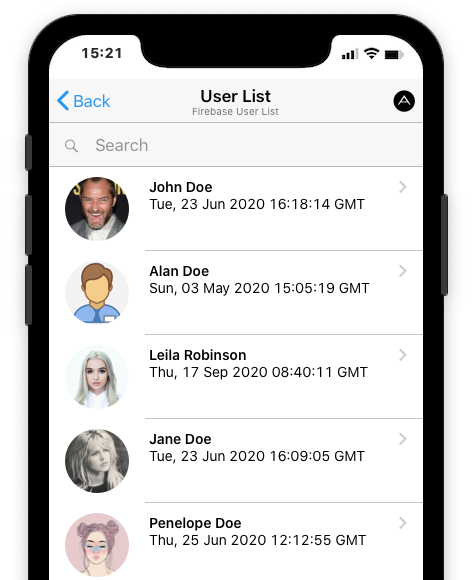
Firebase User List & Advanced User Profile
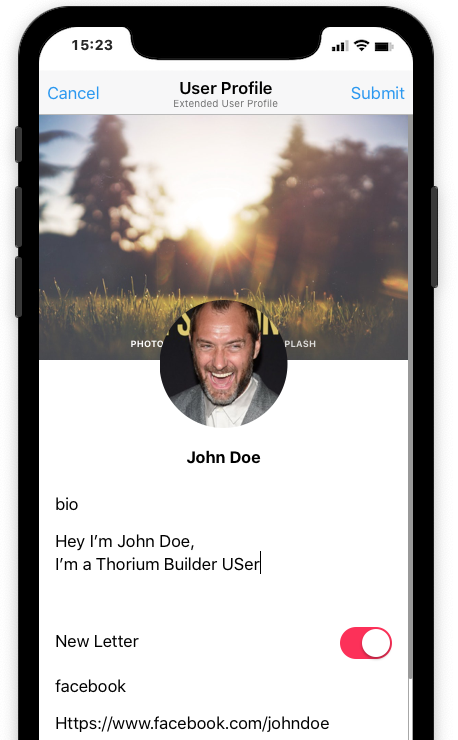
Firebase Users are now added automatically to a "user shadow” collection, making possible to display a User List and to add an advanced user profile with custom fields.
Firebase Plugin
Firebase Updated from 7.8.0 to 7.15.4
Firebase Initialisation variables moved to thorium.config.js
Firebase Auth Dialogs have been improved.
Firebase Repeater MultiColumns
Firebase User Avatar can now include an Extended Profile Menu line linked to a Custom Profile Form
Firebase Avatar are Now automatically resized to 256px on front-end when user change it.
Firebase Image Fields can now have a custom Ratio/Size
Firebase Repeater with Custom templates can now have a detail page, and Action button added to the template can even be added..
Firebase Plugin is now an object and moved to plugins/thorium.firebase.min.js
Firebase event firebaseVirtualListLoadSuccess now include the Items so a calculation is possible on the displayed list after it is loaded.
Eg. app.on('firebaseVirtualListLoadSuccess', function (e,count,items) {
app.dialog.alert(count);
});
Firebase Repeater now Include a “Pull to Refresh Option"
New Templates
Thorium Builder Version 2.0 will include new templates: an Instagram Clone App, an eCommerce App ….
Plugins MarketPlace
A new page will be available on the Web site, from where you will be able to download Plugins.
With the new TB architecture, it will be possible to add new plugins without having to download a new TB version.
Minor bug fixes and enhancements
Bug Fix: duplicating a Firebase Text field to Image was keeping the previous field name
WebShare Button on Images
New Widget for directly embedding a WebSite
Manifest: add "purpose: any maskable” to images
Bug Fix: Segmented Control Now automatically change the button-active class
Offline Pages now have a “Retry” button
Firebase External Auth Providers (Facebook, twitter, Google) don’t break anymore the Simulator layout
Web Project Editor now has a larger scrollbar
Web Project Editor now includes BreakPoints indicators (Blue Lines)
Reveal Project in Finder now open inside the Folder
App Switch in user form with a Custom Them color are now displayed with a default gray background on Android
Service Worker Improved with more options
Images loaded in Repeaters now have a fallback to defaultimg.png
Repeaters are now being reset when Firebase user logout.
Bug Fix: add a segmented-highlight element to strong segmented controls
Bug Fix: renaming a Repeater ID was making it stop working
Bug Fix: When entering Width/Heigt properties, if the value is “auto”, then the value is not set to actual width-height
Thorium Version is now stored with the project: a message is now displayed when a Rebuild is necessary
Bootstrap Navbar extended drop area now more visible (red dotted border)
Various bug fixes and improvements
